Bridging the Execution Gap: Transforming Infor M3 Warehouse Logistics into a Real-Time Advantage
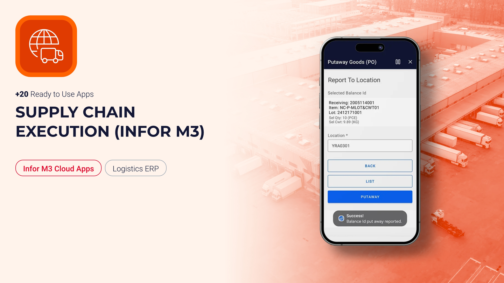
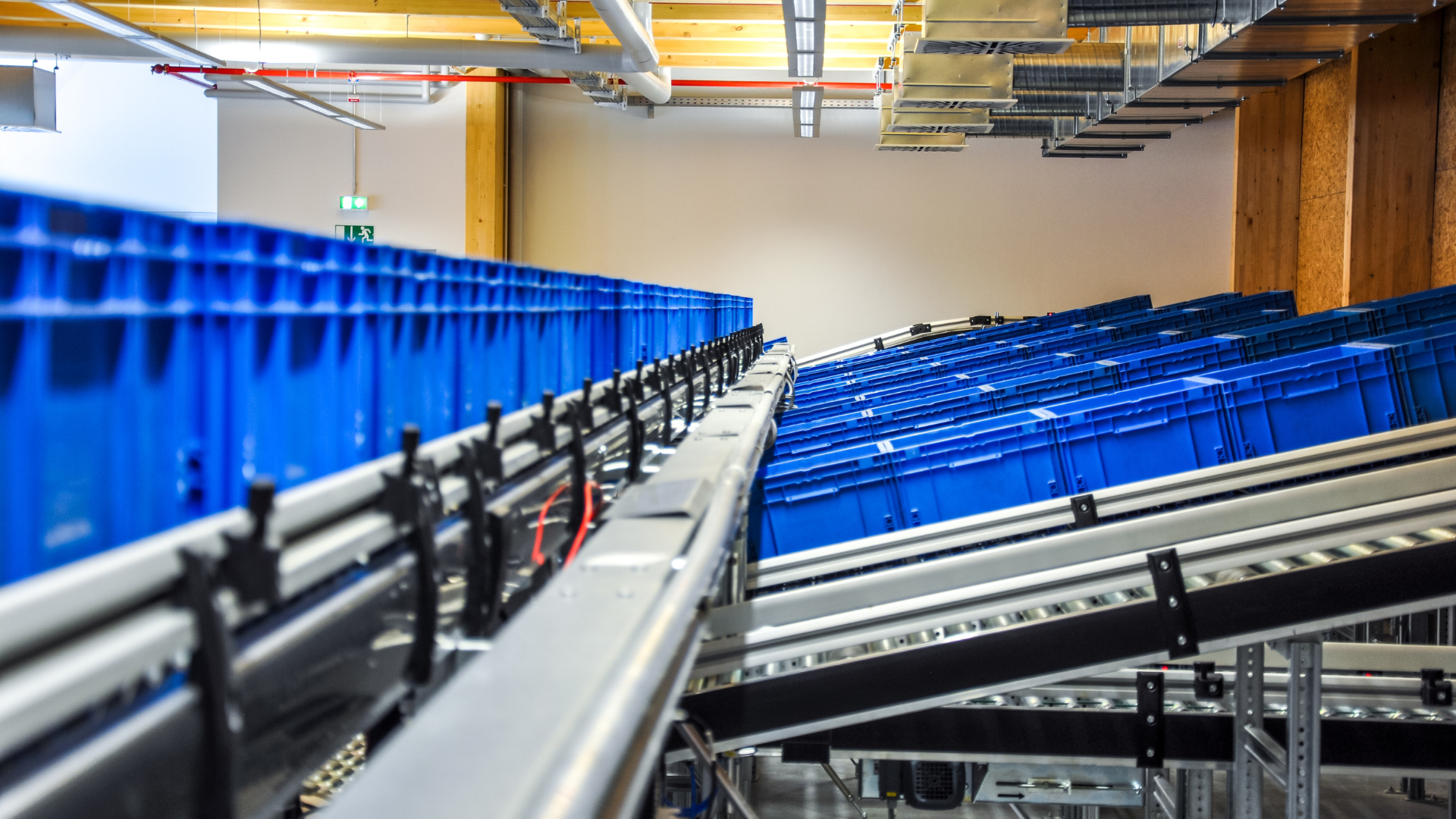
Talk to any warehouse manager running Infor M3 and you’ll hear a version of the same story: the system is right, but it’s the last one to know. A pick gets confirmed on the floor, but it doesn’t hit inventory until someone keys it in from a desk-bound terminal twenty minutes later. A putaway location shows “available” on screen because the physical move hasn’t been logged yet. M3 isn’t wrong — it just hasn’t been told yet. That lag between physical execution and digital record is where operational resilience breaks down, and closing it means rethinking how execution data reaches the ERP in the first place, not rethinking the ERP. What Supply Chain Execution Truly Means Supply Chain Execution (SCE) is not merely about moving inventory from point A to point B; it is the real-time synchronization of physical material movement with your digital record. It represents the precise moment a purchase order becomes a physical item on a shelf, or a sales order changes into a packed container ready for dispatch. For logistics and manufacturing managers, SCE is measured by rigid KPIs: order accuracy, dock-to-stock lead times, cycle-count accuracy, and total throughput velocity. How Infor M3 Manages Execution Infor M3 is an incredibly robust ERP engine designed to handle complex multi-site planning, financial allocations, and deep transactional logic. Infor also offers native mobile options like Factory Track for warehouse transactions — but these are built around fixed, out-of-the-box workflows that rarely match a facility’s exact SOPs without heavy configuration effort. The real problem is data lag. When those native workflows don’t fit and operators fall back on paper pick-lists, manual logs, or desk-bound terminals to input stock updates, a disconnect forms. The physical floor reality moves faster than the ERP data entry, creating downstream discrepancies, misallocated stock, and artificial production bottlenecks. Why Use the Supply Chain Execution App Package? To close this operational gap, Novacura developed a dedicated Supply Chain Execution application package for Infor M3. This pre-built suite covers inbound, inhouse, and outbound warehouse operations with mobile-friendly applications built specifically for M3’s logistics processes. Rather than attempting to replace or heavily customize Infor M3, this package acts as a process-optimizing low-code layer. It translates complex M3 programs into sequential, conditional steps tailored specifically for an operator holding a mobile device or industrial scanner on the floor. Visit Marketplace How Novacura Apps Interact with Infor M3 The architecture is built for direct connectivity and security. The execution suite connects natively to your ERP through the secure Infor M3 REST API. When an operator scans a barcode or confirms a movement, the transaction is processed via the M3 bulk API in real time. There’s no middleware layer and no third-party database replicating your data — M3 remains the single, definitive source of truth, updated instantly at the point of performance. Furthermore, if standard features fall short, these templates can be easily modified inside the Novacura Flow low-code platform to match your exact standard operating procedures (SOPs). End-to-End Warehouse Mastery The application package covers the full warehouse journey, split cleanly across three fundamental operational phases. Phase I: Receiving […]
learn more
Bridging the Execution Gap: Bringing Infor M3 shop floor reporting into real time
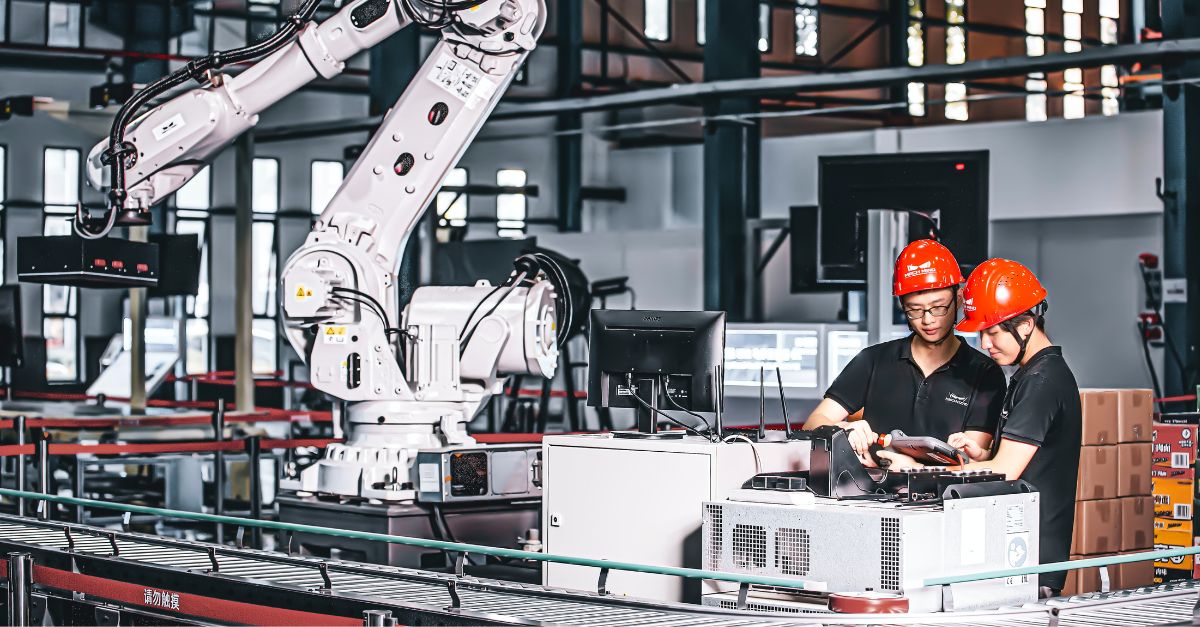
Talk to any production manager running Infor M3 and you’ll hear a version of the same story: the ERP logic is right, but it’s always the last one to know. An operation finishes on the line, but the run time isn’t logged until the operator walks back to a desk-bound terminal an hour later. Material is physically consumed at the workstation, but the digital balance stays untouched because the standard M3 screens are too rigid for one-handed, glove-on entry in a noisy plant. M3 isn’t wrong — it just hasn’t been told yet. That lag between physical execution and digital record is where production efficiency KPIs quietly erode, and closing it means rethinking how shop-floor data reaches the ERP in the first place, not rethinking the ERP. What Manufacturing Execution Truly Means Manufacturing Execution is not merely about producing goods; it is the real-time synchronization of what physically happens at the workstation with what your ERP believes is happening. It is the precise moment a component is issued to a manufacturing order, an operation is reported complete, or a finished pallet becomes available stock ready for the next process. For production and plant managers, it is measured by unforgiving KPIs: operation-time accuracy, material consumption variance, first-pass yield, order confirmation lead time, and overall shop-floor throughput. Every one of those numbers depends on a single condition — that the reporting happens at the point of work, not at the end of the shift. How Infor M3 Handles Shop-Floor Execution Infor M3 is a robust ERP engine, designed for complex multi-site planning, deep manufacturing order logic, costing, and traceability. The transactional foundation is genuinely strong. The friction appears at the interface. The standard M3 client was built for a desk, a mouse, and a full keyboard — not for a scanner in a gloved hand next to a running machine. Infor’s native mobile options exist, but they are built around fixed, out-of-the-box workflows that rarely match a plant’s exact SOPs without heavy configuration effort. When those workflows don’t fit, operators fall back on the oldest tools in the building: paper travelers, tally sheets, and a shared terminal at the end of the aisle. The floor moves faster than the data entry, and the result is a familiar set of downstream symptoms — material planning driven by stale balances, operation times that arrive too late to act on, and rework discovered long after the batch has moved on. Why Use the Manufacturing Execution App Package? To close this operational gap, Novacura developed a dedicated Manufacturing Execution application package for Infor M3. This pre-built suite covers the manufacturing order lifecycle with mobile-friendly applications built specifically for M3’s production processes — spanning inhouse and shop order-related workflows across most of the crucial steps on the production floor. Rather than attempting to replace or heavily customize Infor M3 — which risks system stability and complicates future upgrades — the package acts as a mobile, offline-capable workflow execution layer. It translates complex M3 programs into sequential, conditional steps tailored specifically for an operator holding an industrial scanner or a phone at the line, guiding them task by […]
learn more
AI in Novacura Flow: How We Connect Intelligence to Real ERP Processes
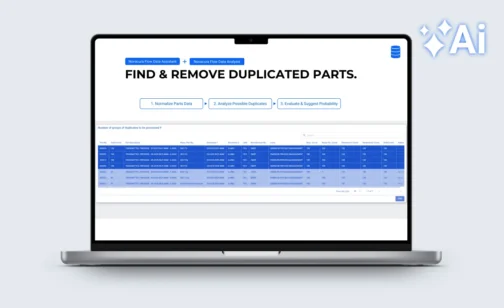
Every software vendor has an AI story right now – most of them built on the same idea: let AI generate an app from a prompt and see what happens. The problem is well-documented. Research from Veracode found that 45% of AI-generated development tasks produced code with critical security flaws. In enterprise ERP environments, where security, compliance, audit traceability, and reliable ERP connectivity are non-negotiable, that is not a viable foundation. Novacura Flow is also an AI application builder — but built on a different premise. AI is placed within a well-controlled enterprise framework: governed ERP connectors, role-based access, workflow transparency, version control, and consistent deployment. Novacura calls this AI on Rails. The AI accelerates development and drives user interactions; the framework ensures it behaves correctly in production. The practical result is visible in three categories of AI capability in Flow, demonstrated recently in a live session by Novacura’s Petter Larsson and Greg Warner — including working demos against IFS. Watch: How to build AI-powered apps on top of your ERP. A 20-minute walkthrough by Novacura Product Manager Petter Larsson and Solutions Engineer Greg Warner, covering three categories of AI in Flow with live examples. When AI actually makes sense in an ERP workflow The core challenge with AI adoption in industrial enterprises is not access to models – it is access to the right data, at the right moment, in the right context. Novacura Flow solves this because it already sits between frontline workers and the ERP. It collects operational data at the exact location where transactions happen, at a level of granularity most ERP interfaces cannot match. From that position, Flow can feed AI services with clean, structured, real-time data – and return the results directly into the workflow. This is the difference between an AI chatbot that summarizes information and an AI layer that acts on it. The practical applications fall into three categories: Making sense of large ERP datasets ERP systems accumulate data over years — and that data degrades. Parts masters drift. Duplicates accumulate. Naming conventions diverge across sites or business units. Manual cleanup is slow and expensive. AI handles it well. Novacura Flow addresses this natively, bringing data intelligence directly into the workflow layer. Users can normalize, harmonize, and deduplicate master data, as well as query and analyze data on the fly — across any connected ERP, database, or system. These capabilities are designed to slot into Flow as native workflow steps — not REST calls to an external API — keeping data processing inside the governed framework, and putting real data quality and insight directly in the hands of end users. The example: parts data quality and deduplication The Data Assistant first normalizes parts descriptions — consistent format, standardized naming — and then Data Analysis identifies probable duplicates across the catalogue. The result surfaces as a list of suggested actions for an operator to review and confirm. AI does the pattern recognition. A person makes the final call. The workflow logic, the ERP write-back, and the audit trail are all handled […]
learn more
Novacura at M3UA UK Conference 2025: Showcasing Real-World Warehouse Optimization
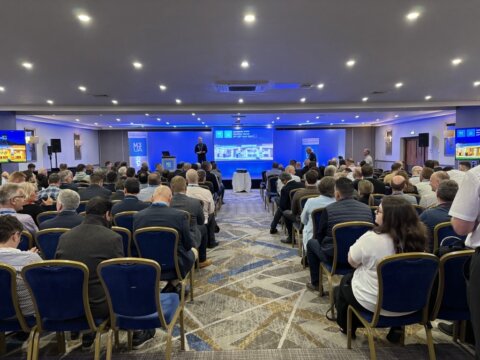
As part of our ongoing event tour across the UK, Novacura was proud to participate in the M3UA UK Conference 2025, held on April 29 at the Leonardo Hotel Hinckley Island. This annual event brought together Infor M3 customers, experts, and partners to share insights and explore how to get more value out of their ERP environments. We were excited to return to this high-impact gathering — not only to connect with M3 users at our booth, but also to take the stage and present a powerful case study on warehouse operations optimization using Novacura Flow. Enhancing Full Pallet Picking with Novacura Flow At 16:30, Novacura’s Director of Sales, Aksel Jarlbäck, presented a customer case titled:“Enhancing Full Pallet Picking Efficiency with Novacura Flow.” The session addressed common challenges in traditional full pallet picking processes — such as manual scanning steps, repeated API calls, and process inefficiencies — which often result in delays, errors, and wasted time. Aksel walked the audience through a real-life implementation at a food and beverage company, showing how Novacura Flow was used to build a customized pallet picking application tailored to the customer’s needs. Key takeaways from the session included: How continuous scanning was implemented to streamline workflows How the app reduced manual input and operational time The measurable impact on accuracy and efficiency in the warehouse This case study provided a concrete example of how low-code automation can modernize M3 processes, especially in logistics-intensive environments. The audience had a chance to see how flexible application design — powered by Novacura Flow — can bridge ERP functionality gaps without requiring complex development or changes to the core system. SUMMARY Throughout the day, attendees also had the opportunity to stop by Novacura’s blue booth (#4) to meet Aksel Jarlbäck and Robin Huizer, discuss their own M3 challenges, and explore how low-code can be applied across operations — from warehousing to production and beyond. We were glad to engage with so many M3 professionals and share ideas on making ERP systems more user-friendly, efficient, and adaptable. Thanks to everyone who attended the session, visited our booth, and contributed to meaningful conversations. We look forward to returning next year and continuing the journey of ERP innovation — together.
learn more
Quality inspections of the production line using computer vision and Novacura Flow
If you work in manufacturing, you’re probably familiar with the challenge of avoiding defective products. A defect as small as a missing or unidentifiable barcode can result in downtime and disappointed customers. To limit the number of defective products, manufacturing companies struggle to manage these visual quality inspections. This article will introduce how to improve these inspections through computer vision for quality control – a field of artificial intelligence that trains computers to interpret and understand the visual world. Problem – the cost of quality inspections Every company in manufacturing has the challenge of reducing the number of defective products. Quality inspection in manufacturing is a must; otherwise, faulty products will appear one way or another. Defective products can cause damage and result in unexpected expenses, leading to customer complaints, downtime, labor costs, and scrapped products. Therefore, dedicated people are often used as the quality checkpoint, visually looking at the production line – which costs time and money. The quality check is critical, but manual visual quality inspection slows down the production phase since you must ensure the inspector can keep up with the production line. Is it worth it? Well, it’s necessary to ensure high-quality products – even though it’s a costly expense for the company. In some cases, where risk is high, the cost of letting defective products slip through is considered worse. E.g., delivering faulty products to a client/customer could result in lost contracts/agreements. Therefore, it’s essential to avoid these scenarios and reduce errors, even if that often means having a lot of resources in place and a slower production phase. A well-designed systematic quality inspection will have a positive effect on: Downtime Defective product Loss of revenue Lost customers Wasted time Wasted resources & man-hours Wasted money Decreased OEE / utilization And more.. In most cases, posting a person on the production line at each point of quality inspection is often too expensive – so let’s talk about alternatives using new technologies and solutions like computer vision. Solution – reducing defects and human errors by using computer vision analysis The solution is to install relatively inexpensive cameras in locations where you typically place, or would like to place, a person for visual inspections. By using digital images and video from these cameras, we can train computer vision models to perform analysis. These models enable the cameras to accurately identify and classify objects during production line inspections. An edge computing device processes each frame, performs the analysis, and ultimately outputs the result that the model was trained to generate. With these frames from a video, the model can be trained within a few hours to identify defects in real-time wherever you have repetitive quality inspections. We can then use this data to react to what the camera “sees.” Example 1: Best by dates on packaging Implementing object detection and quality control with computer vision on a packaging production line to detect valid printed Best By dates on packaging. This will allow the detection of misprinted, invalid, or missing Best By codes to be removed from production before being boxed and sent […]
learn more
How to improve material traceability in manufacturing
Inventory control over a long period of time can no longer rely on manual data entry using paper forms. The dependence on the manual data entry method cannot be verified in a short period of time and can cause inventory discrepancies that have serious financial implications for the organization. Traceability of goods in manufacturing requires digital inventory management software. Production clerks equipped in mobile devices with embedded software can take control of the entire inventory management process. Handheld computers and mobile scanners operating with barcodes, QR codes, RFID technology are able to ensure proper supervision of the internal flow of materials. Providing barcode material labels when products are inbounded is the solution that should be implemented in any factory. There is no doubt that the use of mobile devices with embedded operate software in manufacturing can influence all stages of production and increase its quality of: Material consumption – consumption registering and preventing shortage ofraw materials. Processing inbound – good traceability from dock registration to inventoryputaway process. Order picking – accurate collection from direct stock locations. Packing and pelletizing – easy determining delivery destination and good quality order checks. Outbound and shipping management – efficient dispatch and reliable ETA with track & trace. Inventory control – quick inventory control and accurate cycle count. What is manufacturing traceability? Manufacturing traceability refers to the ability to monitor and track materials, parts, and products—whether individually, by batch, lot, or shipment—throughout the entire manufacturing process and into the supply chain. This capability has evolved significantly from the days of manual records and paper-based tracking. The introduction of barcode technology was transformative, enabling manufacturers to track any item associated with a barcode, including raw materials, components, subcomponents, and finished goods. Modern manufacturing traceability systems go further by leveraging advanced tools like barcodes, RFID, and data analytics to provide real-time visibility into production processes, not just physical items. This comprehensive traceability begins the moment raw materials and parts enter production and continues until the final product exits the facility. By offering detailed insights into each stage of production, today’s systems help manufacturers ensure quality, boost efficiency, and maintain regulatory compliance, ultimately enhancing operational control and customer satisfaction. Manufacturing in the COVID-19 era – Top 3 challenges and how to overcome them (PDF) Top 3 challenges for manufacturers during the pandemic What are the root causes of the challenges? Proposed solution How to implement iT Download Effective traceability of materials Embedded software connected to ERP systems can be enough to fulfil general needs of particular warehouse management but its customization is almost impossible. Modification of ERP system is difficult and time consuming therefore any sort of random software cannot be suitable for complexity of production process. The manufacturing industry is closely dependent on the dynamic changesoccurring in each industry sector. Ongoing changes regarding market demand are forcing factories to respond. Adjusting production lines and Warehouse Management Systems (WMS) is already part of its strategy. To secure effective material traceability, manufacturing facilities should consider selecting the most appropriate solution with the possibility of flexible software modification. The software should not only be suitable for the existing hardware, […]
learn more

 May 8, 2022
  4 min to read