Talk to any production manager running Infor M3 and you’ll hear a version of the same story: the ERP logic is right, but it’s always the last one to know. An operation finishes on the line, but the run time isn’t logged until the operator walks back to a desk-bound terminal an hour later. Material is physically consumed at the workstation, but the digital balance stays untouched because the standard M3 screens are too rigid for one-handed, glove-on entry in a noisy plant.
M3 isn’t wrong — it just hasn’t been told yet. That lag between physical execution and digital record is where production efficiency KPIs quietly erode, and closing it means rethinking how shop-floor data reaches the ERP in the first place, not rethinking the ERP.
What Manufacturing Execution Truly Means
Manufacturing Execution is not merely about producing goods; it is the real-time synchronization of what physically happens at the workstation with what your ERP believes is happening. It is the precise moment a component is issued to a manufacturing order, an operation is reported complete, or a finished pallet becomes available stock ready for the next process.
For production and plant managers, it is measured by unforgiving KPIs: operation-time accuracy, material consumption variance, first-pass yield, order confirmation lead time, and overall shop-floor throughput. Every one of those numbers depends on a single condition — that the reporting happens at the point of work, not at the end of the shift.
How Infor M3 Handles Shop-Floor Execution
Infor M3 is a robust ERP engine, designed for complex multi-site planning, deep manufacturing order logic, costing, and traceability. The transactional foundation is genuinely strong.
The friction appears at the interface. The standard M3 client was built for a desk, a mouse, and a full keyboard — not for a scanner in a gloved hand next to a running machine. Infor’s native mobile options exist, but they are built around fixed, out-of-the-box workflows that rarely match a plant’s exact SOPs without heavy configuration effort.
When those workflows don’t fit, operators fall back on the oldest tools in the building: paper travelers, tally sheets, and a shared terminal at the end of the aisle. The floor moves faster than the data entry, and the result is a familiar set of downstream symptoms — material planning driven by stale balances, operation times that arrive too late to act on, and rework discovered long after the batch has moved on.
Why Use the Manufacturing Execution App Package?
To close this operational gap, Novacura developed a dedicated Manufacturing Execution application package for Infor M3.
This pre-built suite covers the manufacturing order lifecycle with mobile-friendly applications built specifically for M3’s production processes — spanning inhouse and shop order-related workflows across most of the crucial steps on the production floor.
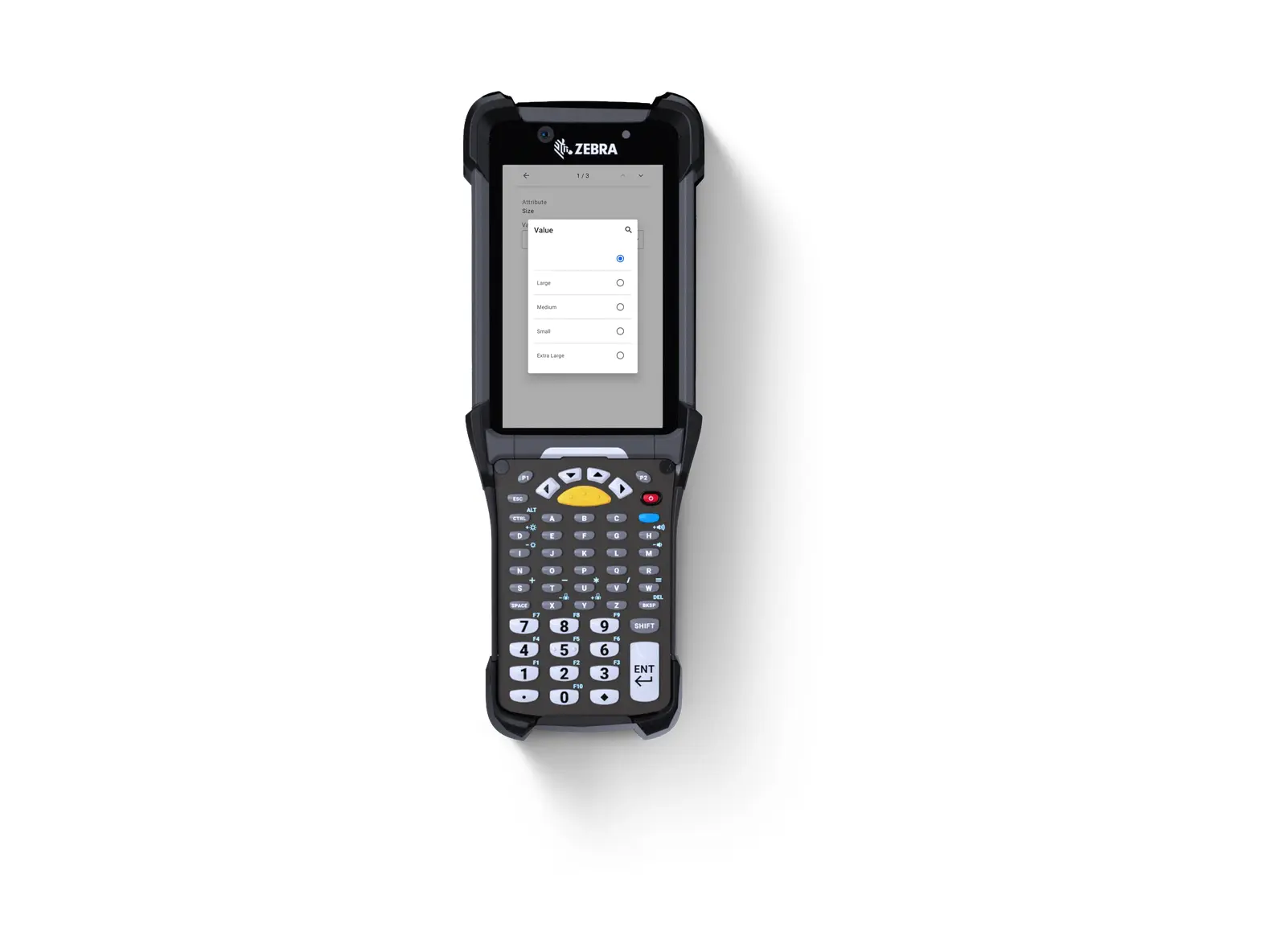
Rather than attempting to replace or heavily customize Infor M3 — which risks system stability and complicates future upgrades — the package acts as a mobile, offline-capable workflow execution layer. It translates complex M3 programs into sequential, conditional steps tailored specifically for an operator holding an industrial scanner or a phone at the line, guiding them task by task and branching only where the physical process actually demands it.
Every concept in the package is built on M3 mobility experience gained through years of consultancy and business analysis, with embedded functions that let operators find, list, and report pending tasks without ever leaving the application.
How Novacura Apps Interact with Infor M3
The architecture is built for direct connectivity and security. The execution layer connects natively to your ERP through the Infor M3 REST API, supporting Infor M3 Cloud / 13.X.
This is not middleware storing replicated data. When an operator scans a manufacturing order and confirms a transaction, it is validated against live M3 data and posted in real time — no third-party database holding a shadow copy of your production reality. M3 remains the single, definitive source of truth, updated instantly at the point of performance.
And because every app is a Novacura Flow template rather than a locked-down product, if standard features fall short, the workflow can be reshaped inside the Novacura Flow low-code platform to match your exact standard operating procedures — without starting from scratch and without a line of custom ERP code.
End-to-End Shop-Floor Mastery
The application package covers the manufacturing order journey across three operational layers.
Layer I: Shop-Floor Reporting
Eliminate the walk to the terminal and the lag that comes with it. This layer replaces the standard M3 client with guided, mobile-first workflows that let operators report material issue, operation time, and order receipt directly from the line — validated against live M3 data and posted in real time, order by order.
- Report Material (MO): Issue material to the manufacturing order — verifying from-location, lot, container, and catch weight against available balances.
- Report Operation (MO): Report setup time, run time, and quantity per operation, with reject-reason tracking captured at the moment the scrap occurs.
- Report Receipt (MO): Report receipt of produced goods, including lot, expiry, container, packaging, and to-location.
- On the Roadmap (Coming Soon): Report Order-less Manufacturing | Report Start and Stop.
Layer II: Order & Schedule Control
Give planners and supervisors direct control over the manufacturing order lifecycle — releasing, rescheduling, and closing orders from a guided mobile workflow instead of the standard M3 client. BOM attributes and material shortages can be reviewed and acted on where the problem is visible, with every change validated and posted to M3 in real time.
- On the Roadmap (Coming Soon): Release Manufacturing Order | Workcenter Rescheduler | Close Manufacturing Order | Update Bill Of Material | Material Planning.
Layer III: Quality & Documentation
Bring inspection and documentation to the point of work instead of a back-office terminal. Operators execute quality checks, log reject reasons, and trigger QMS inspection requests directly from the manufacturing order, with work instructions and operational documents always one tap away — no paper, and no lag before it posts to M3.
- On the Roadmap (Coming Soon): Inspect Manufacturing Order | Report Inspection Request (QMS) | Manage Operational Documents.
Scalable Agility
By decoupling the user interface from backend ERP complexity, manufacturers unlock immediate operational velocity.
Data entry errors drop because the transaction happens once, at the point of performance, validated against live balances rather than re-keyed from a paper note. Production efficiency KPIs normalize because they finally reflect what actually happened, when it happened. Material planning stops reacting to yesterday’s picture and starts working from live insight.
More importantly, the architecture delivers strategic scalability. Standard templates get you running in days; the low-code platform underneath means the workflow can keep evolving as the process does — a new quality gate, an extra confirmation step, a different scanning sequence for one work center — without an ERP modification project behind it.
Manufacturing Execution for Infor M3 is delivered as a complete solution: download the package, connect it to Infor M3 via the REST API, and put guided mobile apps into your operators’ hands.
Product specification at a glance: Complete Solution · Flow version: Connect · ERP Type: Infor M3 Cloud Apps · Process Area: Manufacturing & Production ERP Apps · Clients: Mobile & Web · Connector: Infor M3 REST API · Publisher: Novacura Business Apps.
Expand Your Capabilities
The execution gap doesn’t stop at the shop floor door. Discover our growing library of purpose-built enterprise application templates — spanning Supply Chain Execution, Procurement, and Asset Maintenance — by exploring the Novacura Marketplace today, or read more about Manufacturing Execution for Infor M3.