Your technicians don't work in the ERP. Everything they do should still land there.
Different service organizations may use the same IFS objects but execute the work very differently. One needs detailed Work Steps, real-time time tracking and serialized material reporting. Another needs a much simpler technician flow.
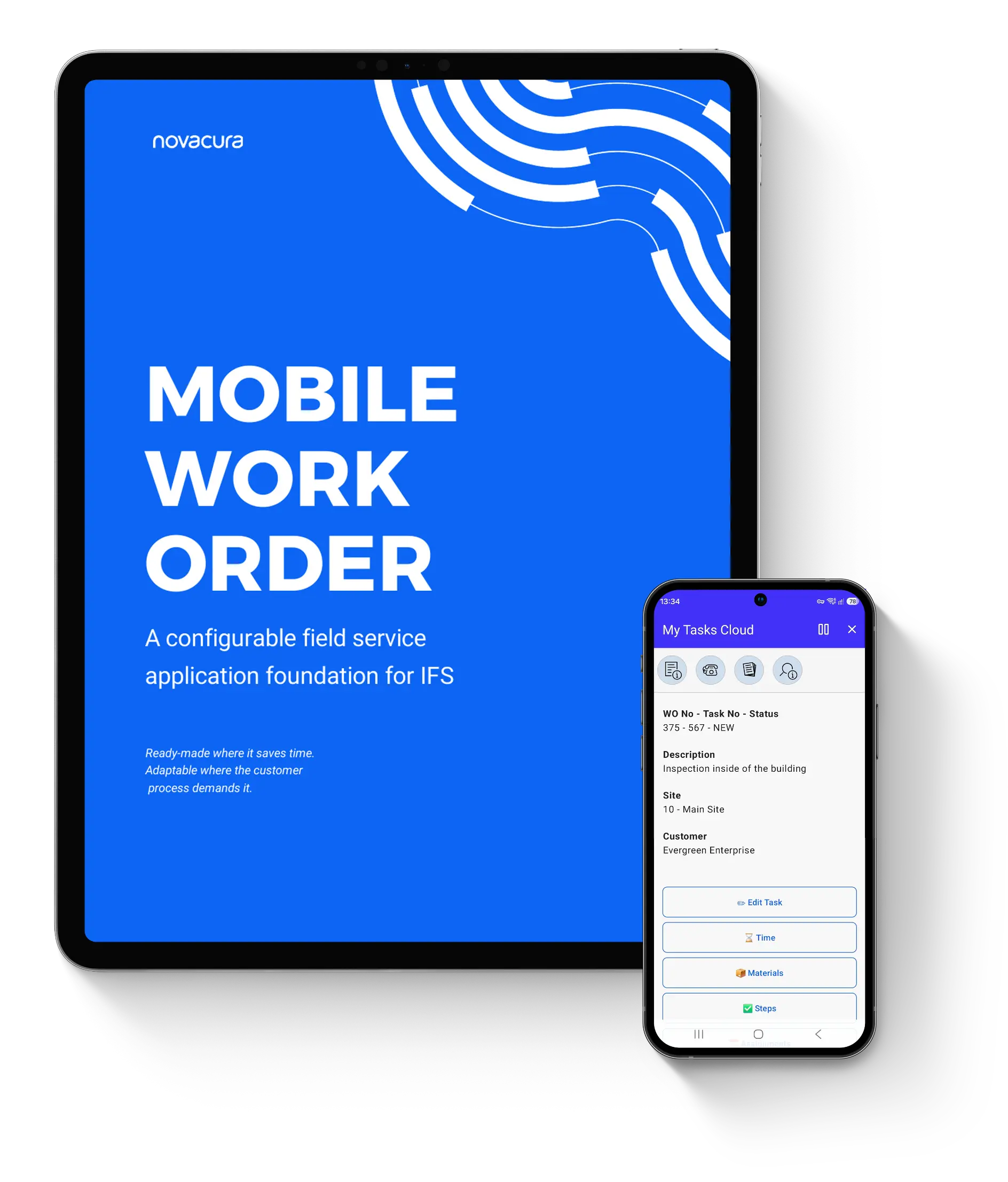
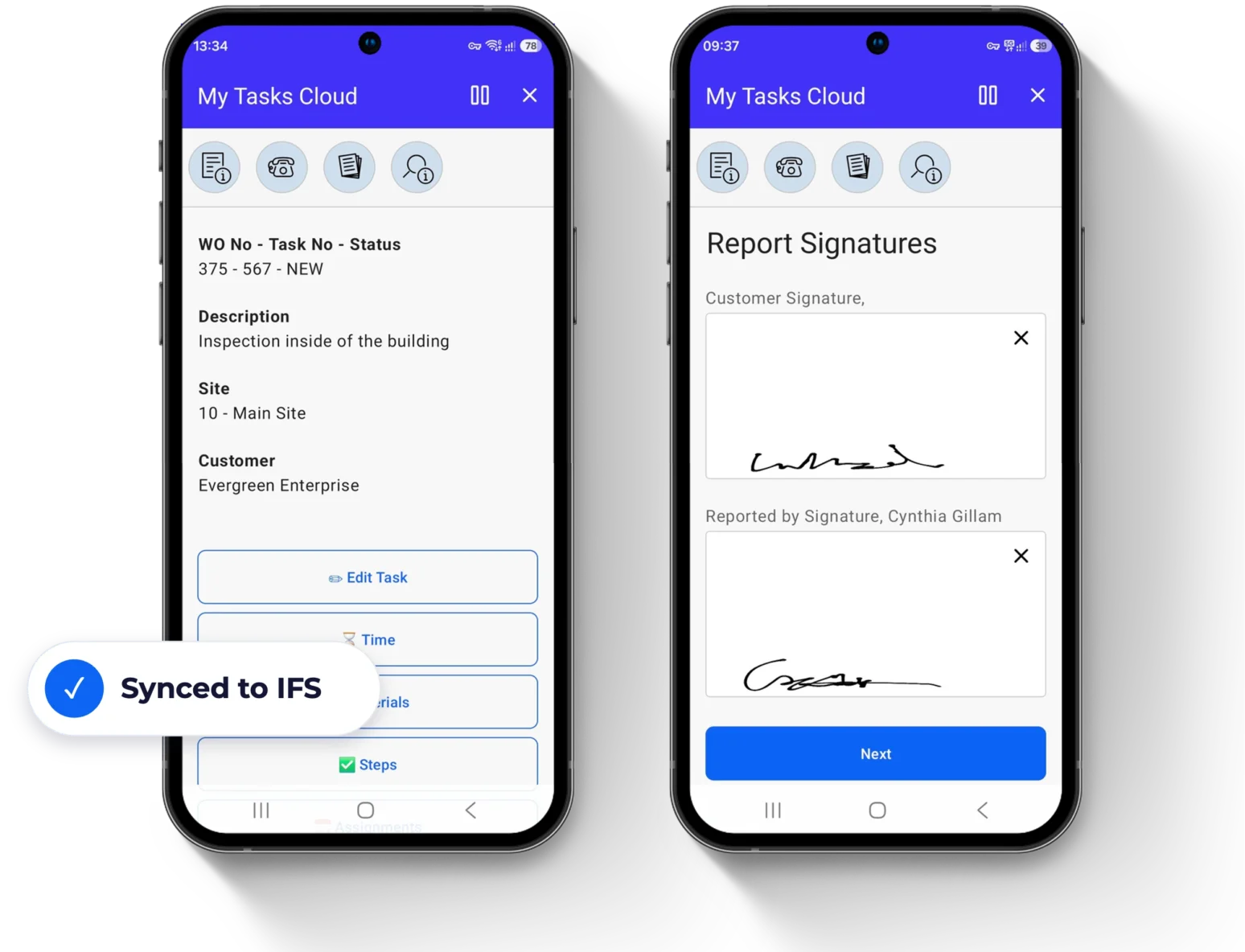
Mobile Work Order is a ready-made Flow application template for field service and maintenance on IFS. It covers the technician's side of the process, from assigning work to completion and financial settlement, and every field action updates IFS as the system of record.
If your technicians still report time, materials or signatures on paper, or in an app built around someone else's process, this overview is for you.
What's actually inside
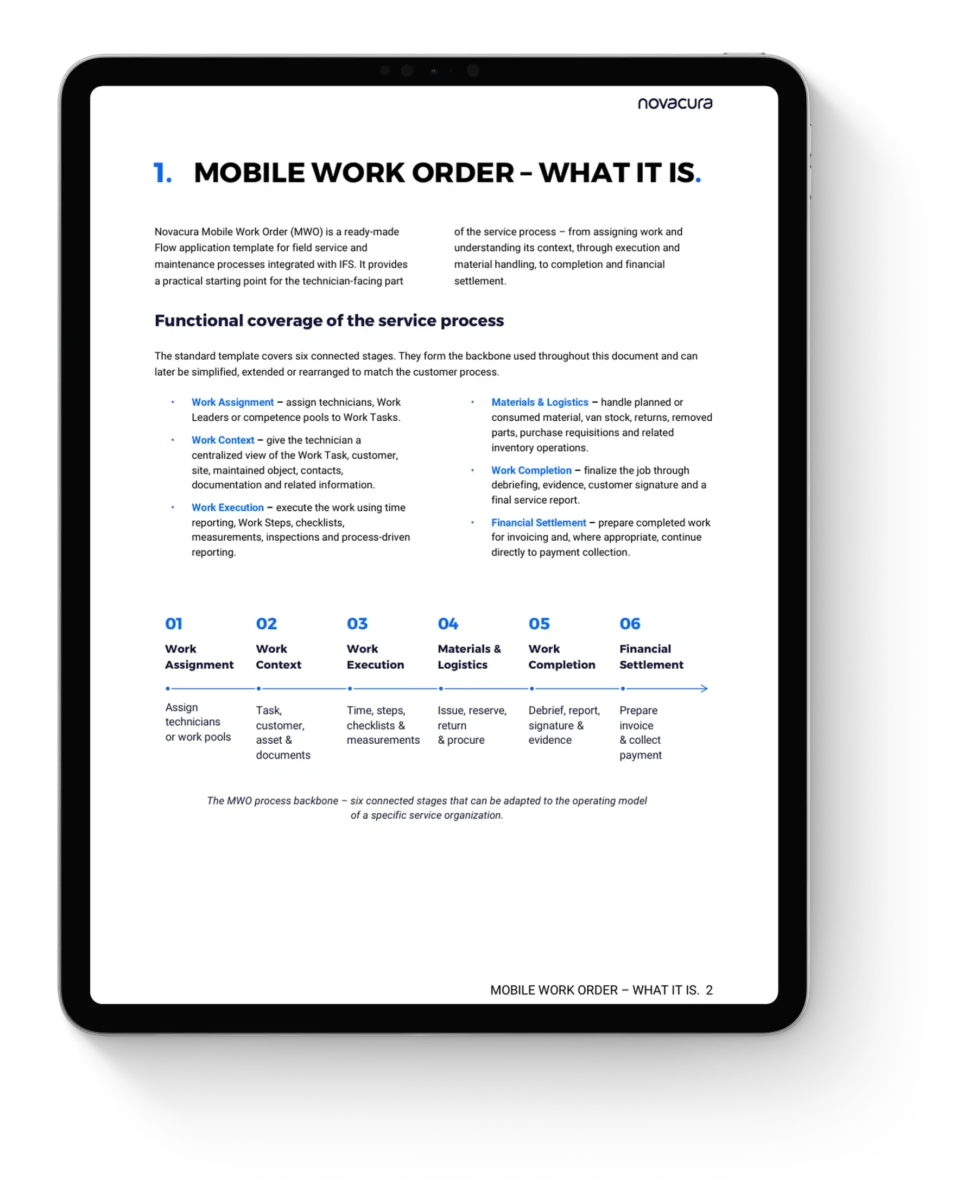
- The six stages of the service visit – Work Assignment, Work Context, Work Execution, Materials & Logistics, Work Completion and Financial Settlement, each with real app screens.
- What the template brings from day one – built around IFS business objects, designed for field service and on-site maintenance, ready for real field conditions.
- The key difference – why MWO is a starting point, not a fixed system, and how to simplify, adapt and extend it.
- Built for field work – offline operation, camera and attachments, GPS, mobile printing, night mode and BLE / IoT integration.
- AI-assisted field service – what is already demonstrated in Flow, and what is coming to MWO.
- How it connects to IFS – IFS as the system of record, and support for the IFS Cloud evergreen model.
- How to implement it – six practical steps from the template to your operating model, and a recap of the business benefits.
Start from something proven.
Adapt it to how you work.
Keep what is useful, add what is missing, and keep adapting the app as your service business changes. Download the overview and see how the six stages could map to your IFS service process.