

1. Start With Ready Made M3 Apps
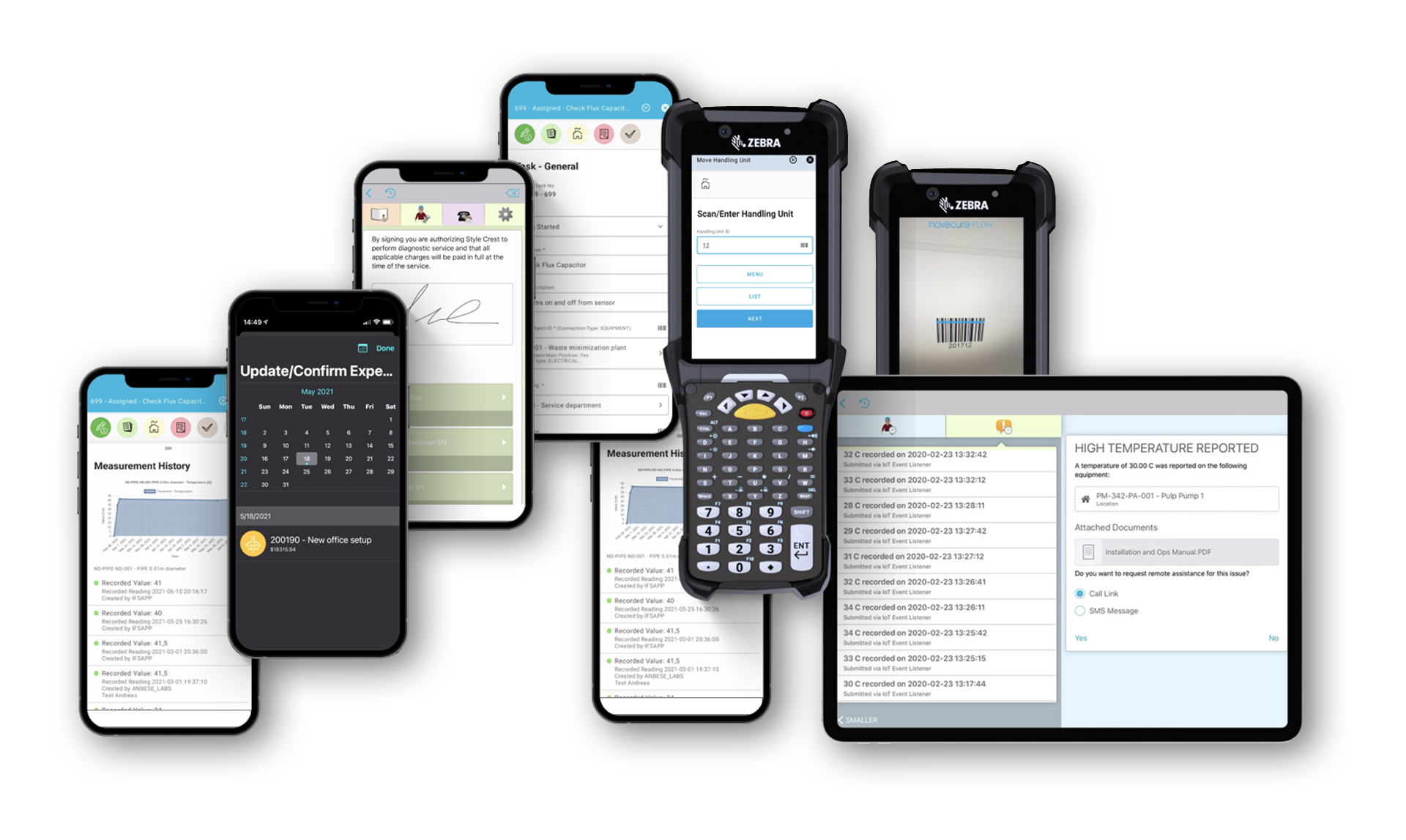
Use out-of-the-box Flow apps for inbound, picking, packing and production reporting. Then adjust the steps in the designer or build new apps when your process requires it.
2. Automate Daily Workflows
Route approvals, notifications and exceptions across teams and systems while keeping Infor M3 as the system of record. Remove manual handoffs and status chasing.
3. Live Infor M3 Data In Every App
Two way synchronization with Infor M3 13.4 and Infor M3 CloudSuite ensures users always scan, pick and report on up to date ERP data.
4. Work Online Or Offline
Warehouse and field staff keep working even without a network connection. Data is stored locally and then synced back to Infor M3 automatically when they are online again.
5. Upgrade Safe M3 Extensions
Extend Infor M3 functionality in Flow instead of modifying the core system. Custom logic lives in low code apps, so M3 upgrades stay easier, safer and more predictable.
What is Novacura Flow for Infor M3
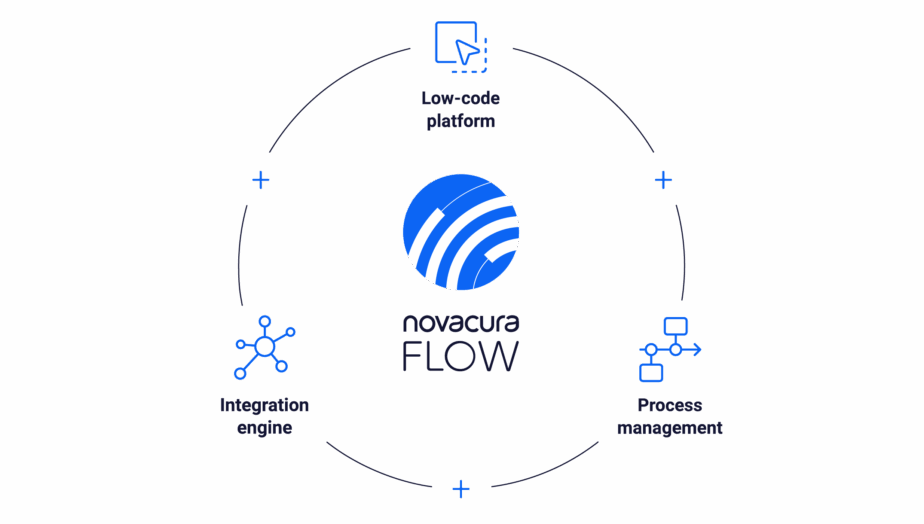
Novacura Flow is a low code platform and app suite that extends Infor M3 without touching the core ERP. You build or adapt mobile apps for M3 processes such as inbound, picking, production reporting and packaging, then run them on scanners, mobiles or browsers.
Start with ready made apps for inbound logistics, inhouse logistics, outbound logistics, packaging management and manufacturing reporting. Adapt them to your processes, or build new apps in the same visual designer.
Behind the scenes, Flow acts as a process and integration layer. Each app is a workflow that can connect to Infor M3, other systems and devices in one place. You get deep ERP integration, BPM and integration capabilities in a single platform.
Key capabilities for Infor M3 users:
Low code app builder
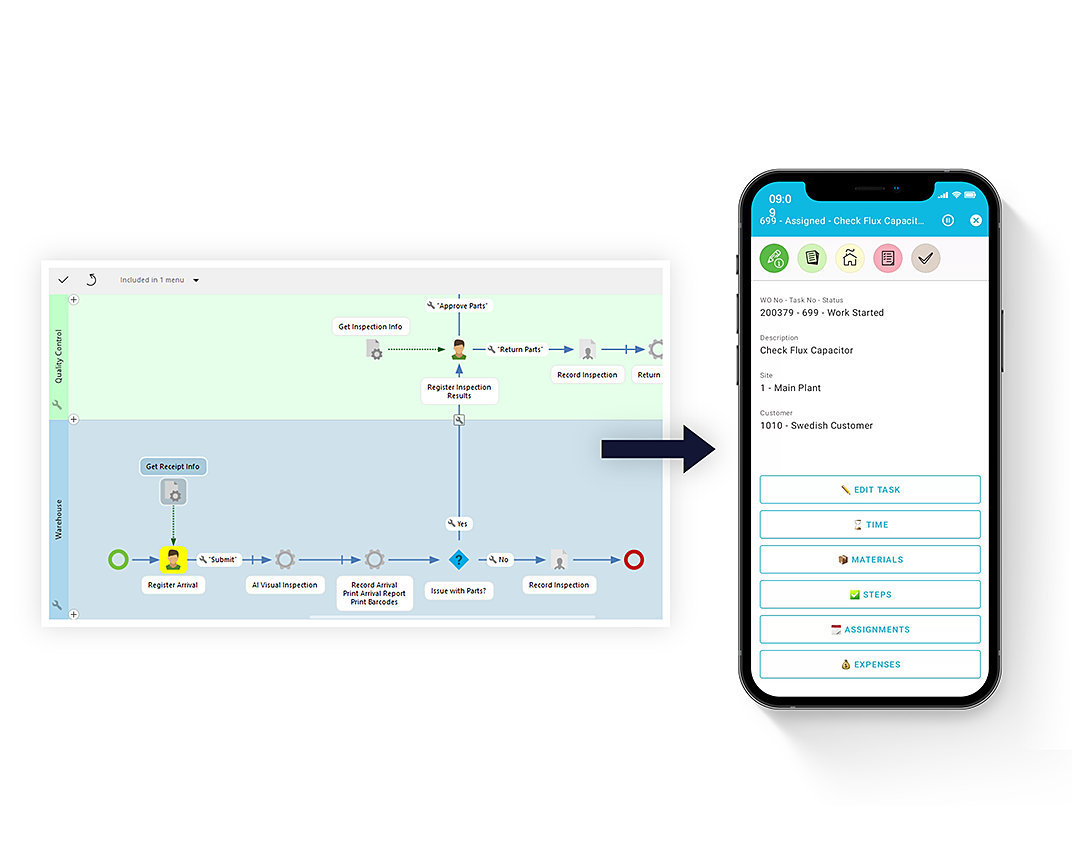
Design apps visually in Novacura Flow Studio. Map each step in a process such as pick customer order or report operations on a work order, then connect it to Infor M3 through the dedicated connector.
Deep M3 integration
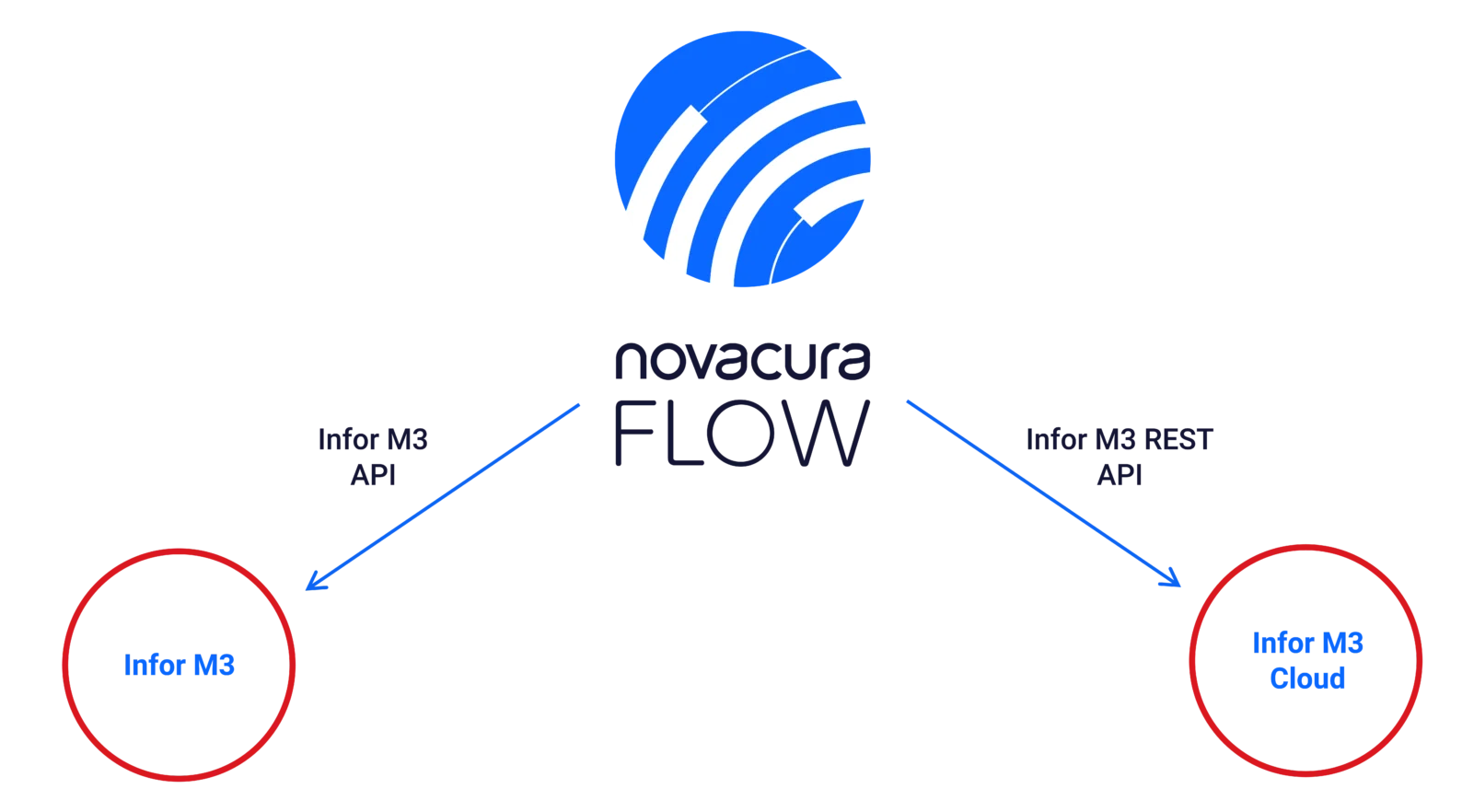
Every scan, confirmation or report in a Flow app updates M3 in real time. Apps behave like a simpler user interface for M3 while all data and processes stay in the ERP.
Mobile and scanner support
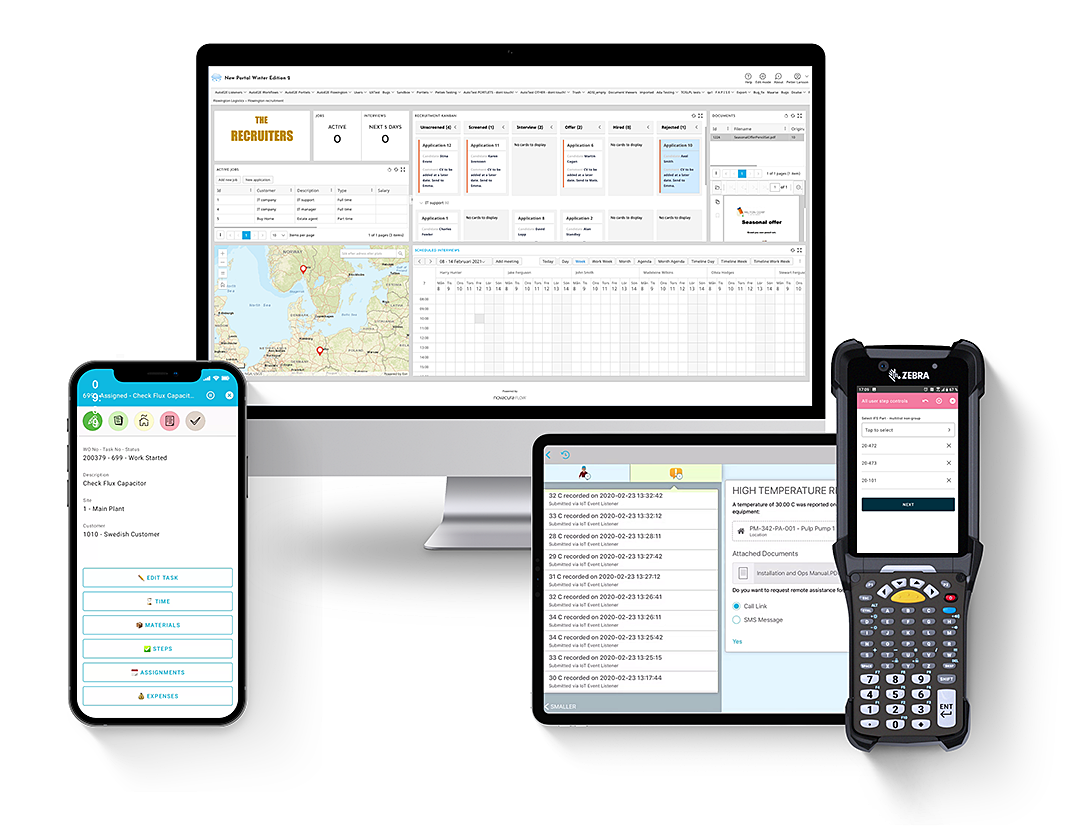
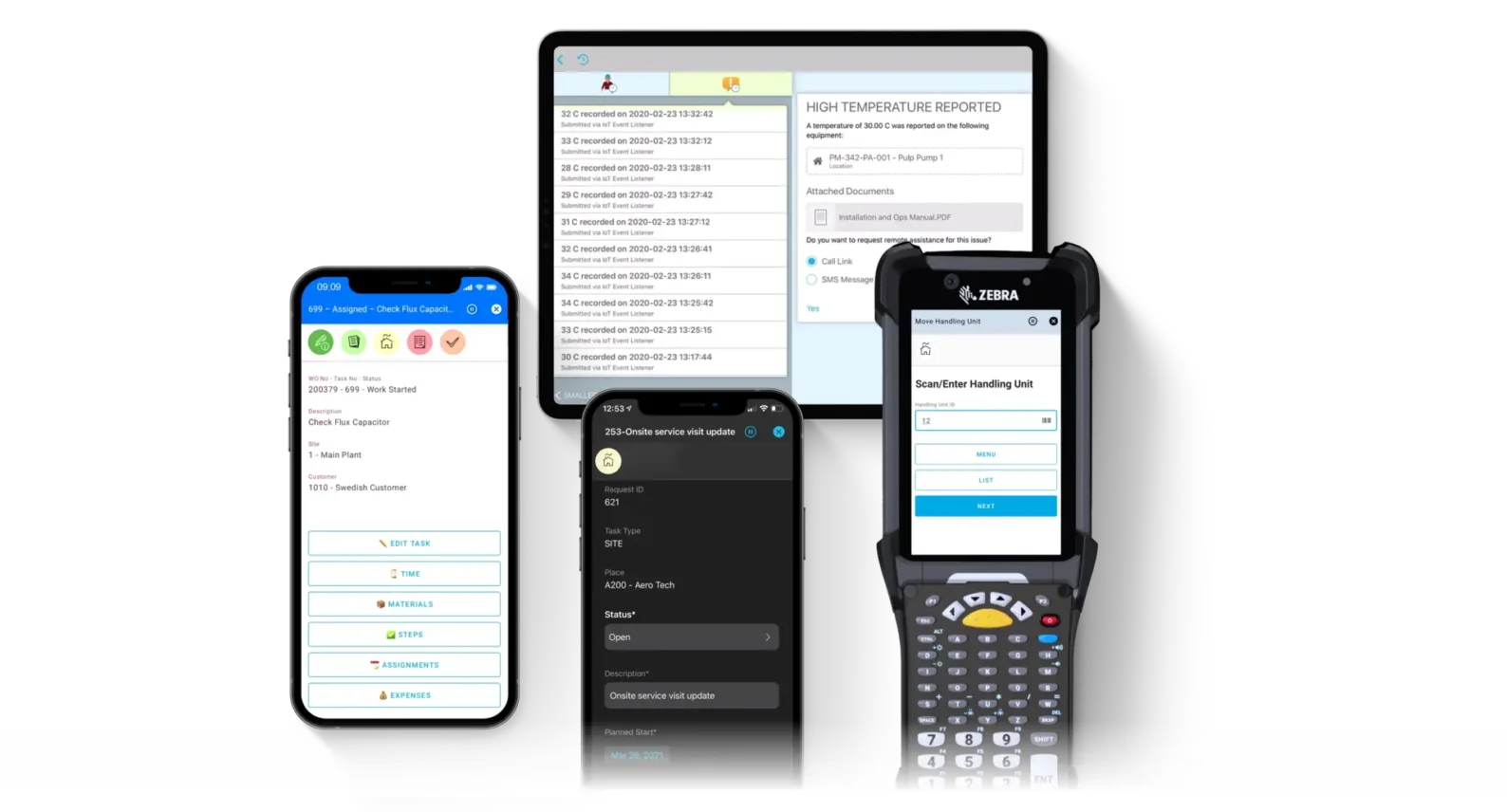
Run Flow apps on handheld scanners, smartphones, tablets or desktops. Use barcode scanning, camera, GPS and voice input to capture data where work happens.
Offline mode
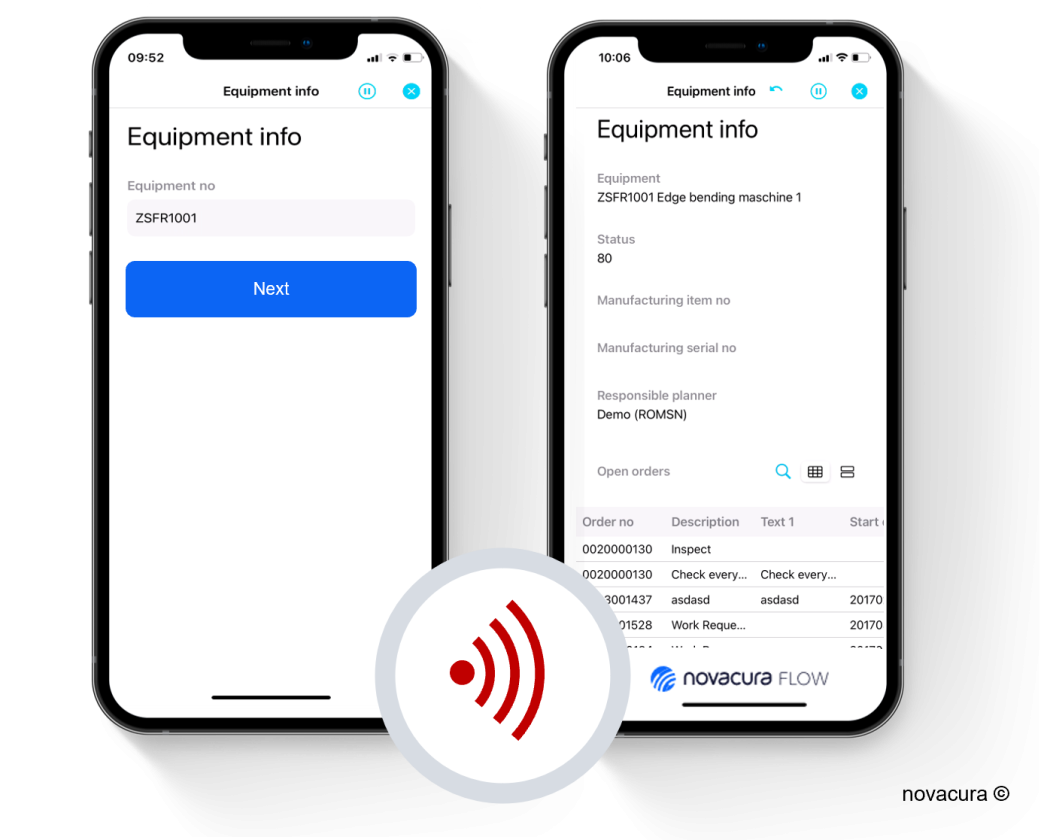
Keep work going in areas with poor coverage. Users can receive tasks, record work and sync back to M3 automatically when they are online again.
BPM layer
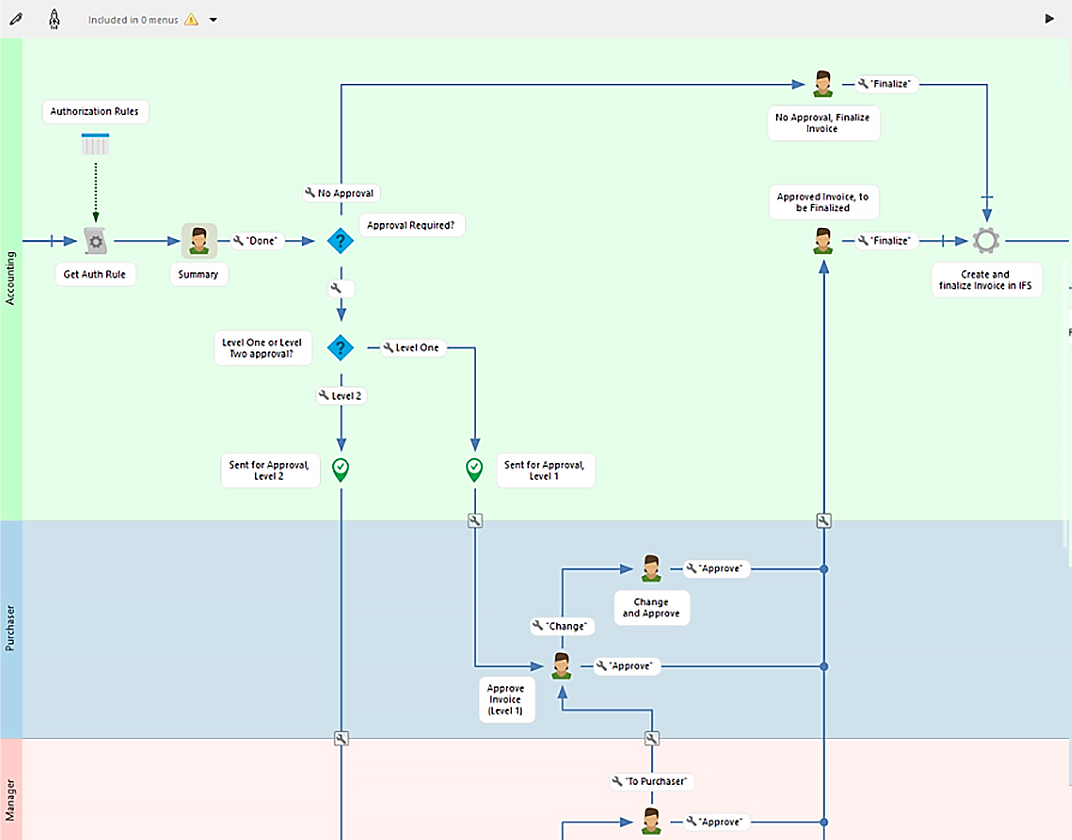
Use Flow as a process layer on top of Infor M3. Link users, steps and systems in a single workflow, collect performance data and optimize your processes over time.
Integration engine
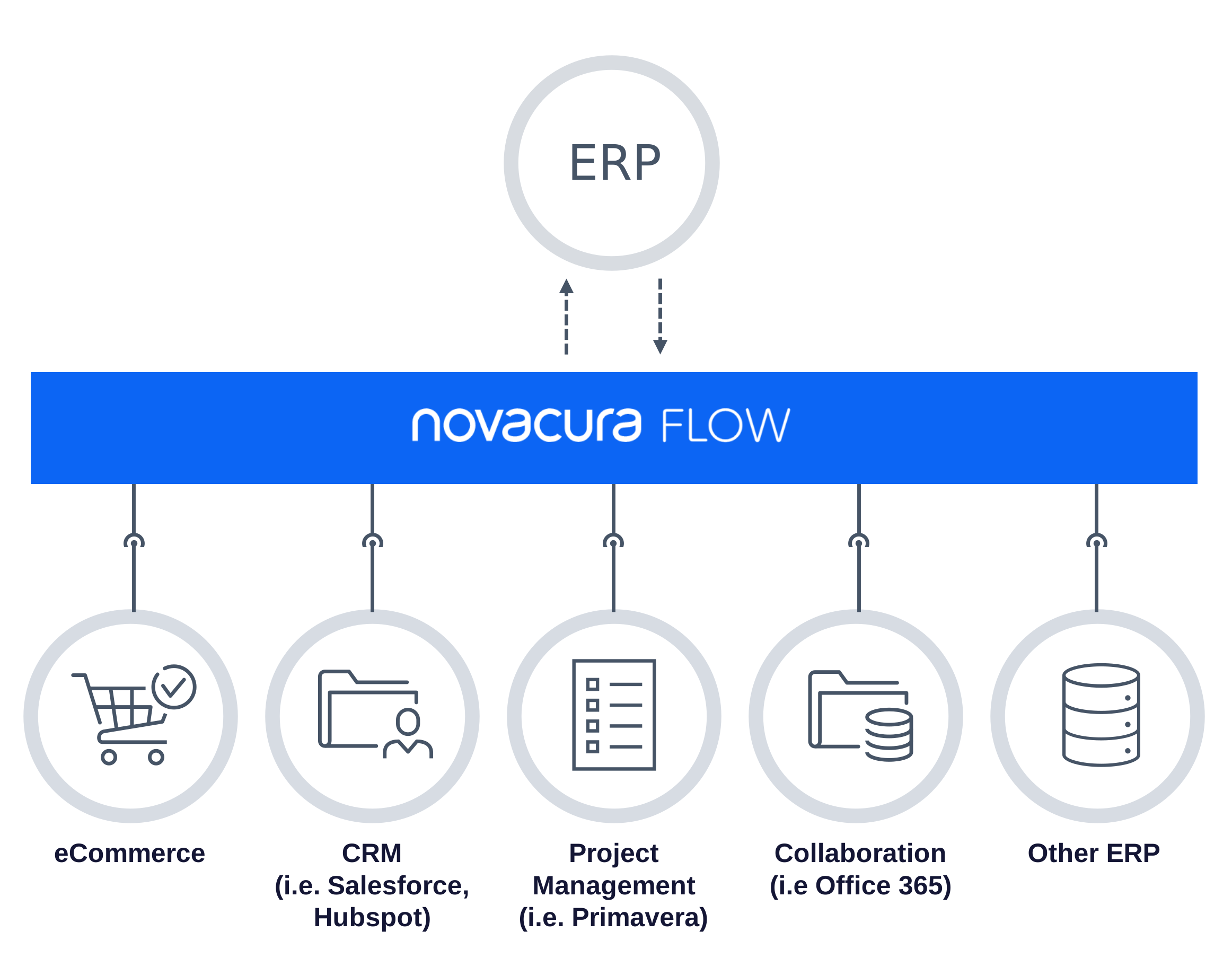
Orchestrate data between M3 and other systems with more than 50 connectors. Flow apps can also be exposed as web services, so Flow acts as a service bus in your landscape.
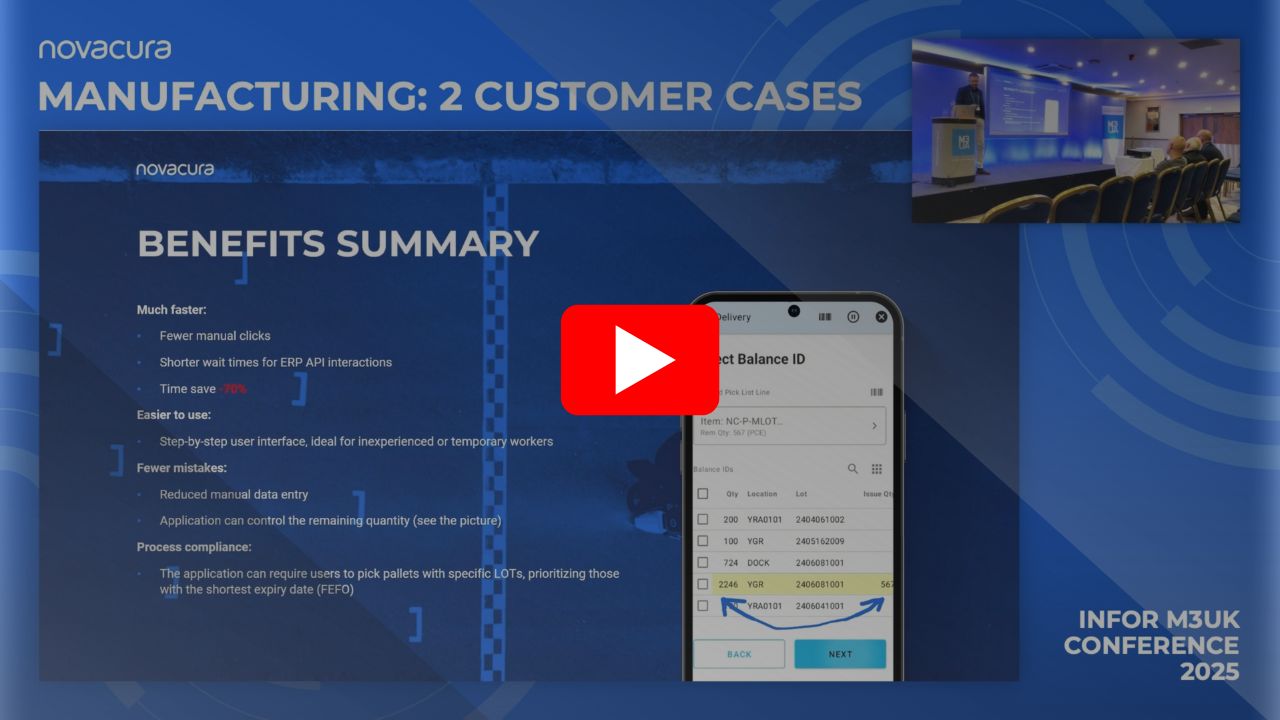
How Infor M3 Users Cut Picking & Production Time by 70%
Watch the Infor M3UK 2025 session recording on two case studies:
- Brewery (Sweden): Simplified warehouse picking with GS1 barcode scanning and guided workflows — saving clicks, reducing errors, and enforcing FIFO compliance.
- Bakery (Denmark): Transformed production reporting from 34 hours/day to 6 hours/day with real-time, mobile-friendly workflows directly connected to Infor M3.
EXAMPLE SOLUTIONS FOR INFOR M3
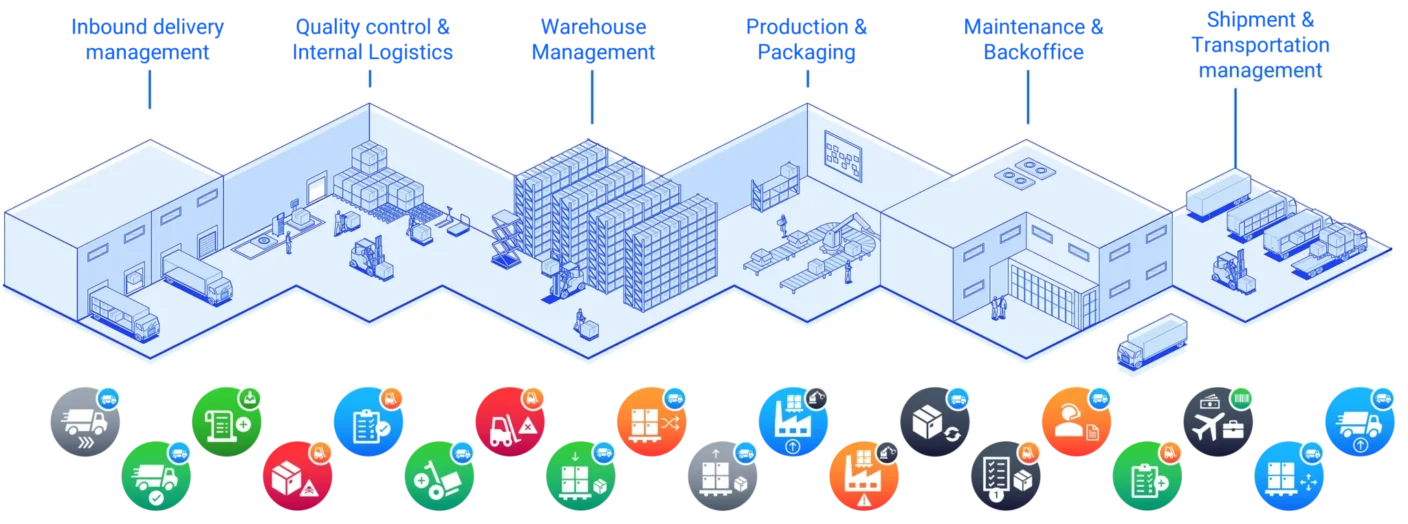
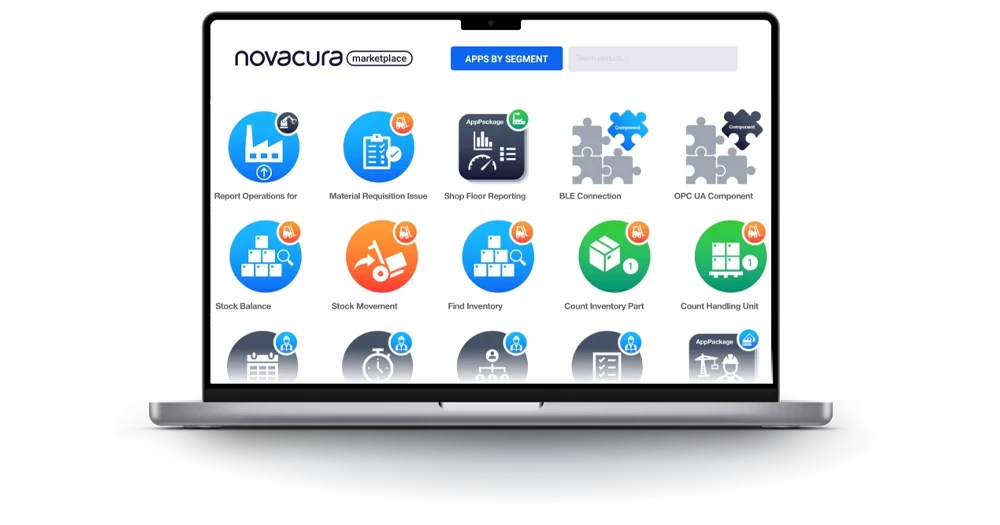
Combine ready made templates from the Novacura Marketplace with your own variations. Here are a few typical solution areas.
Warehouse and logistics
Goods receiving and put away
Receive bulk deliveries, generate logistics units based on M3 put away rules, print labels and move goods to the right location in one guided flow.
Warehouse and logistics
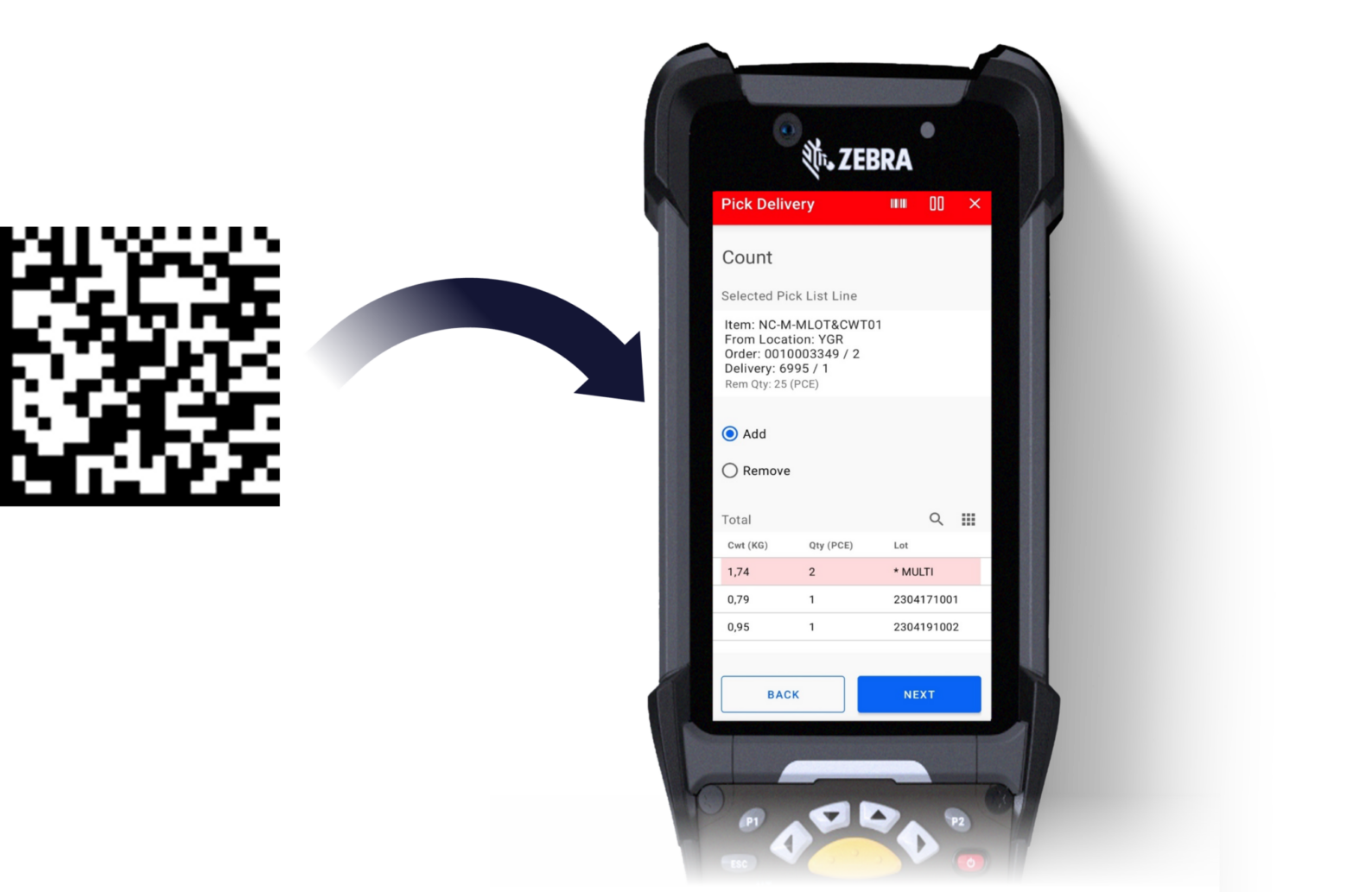
Picking and packing
Support different allocation methods, GTIN numbers and consumer packs. Use calculator like apps that show exactly what has been scanned to avoid mistakes.
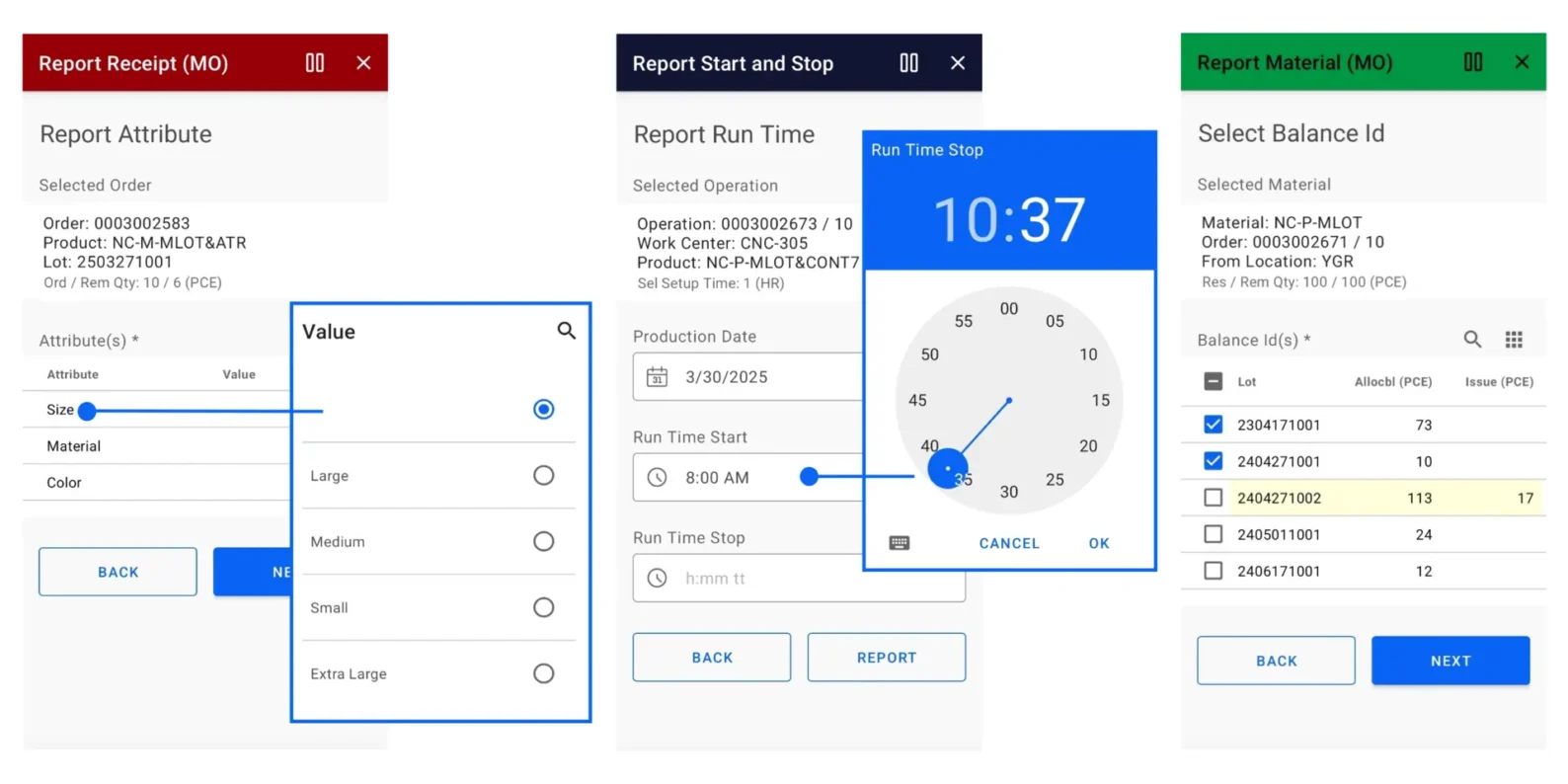
Production reporting
Report receipts and material consumption from the shop floor, including attribute managed items and flexible Balance ID handling. Replace paper and Excel with real time apps.
Quality
Quality inspection
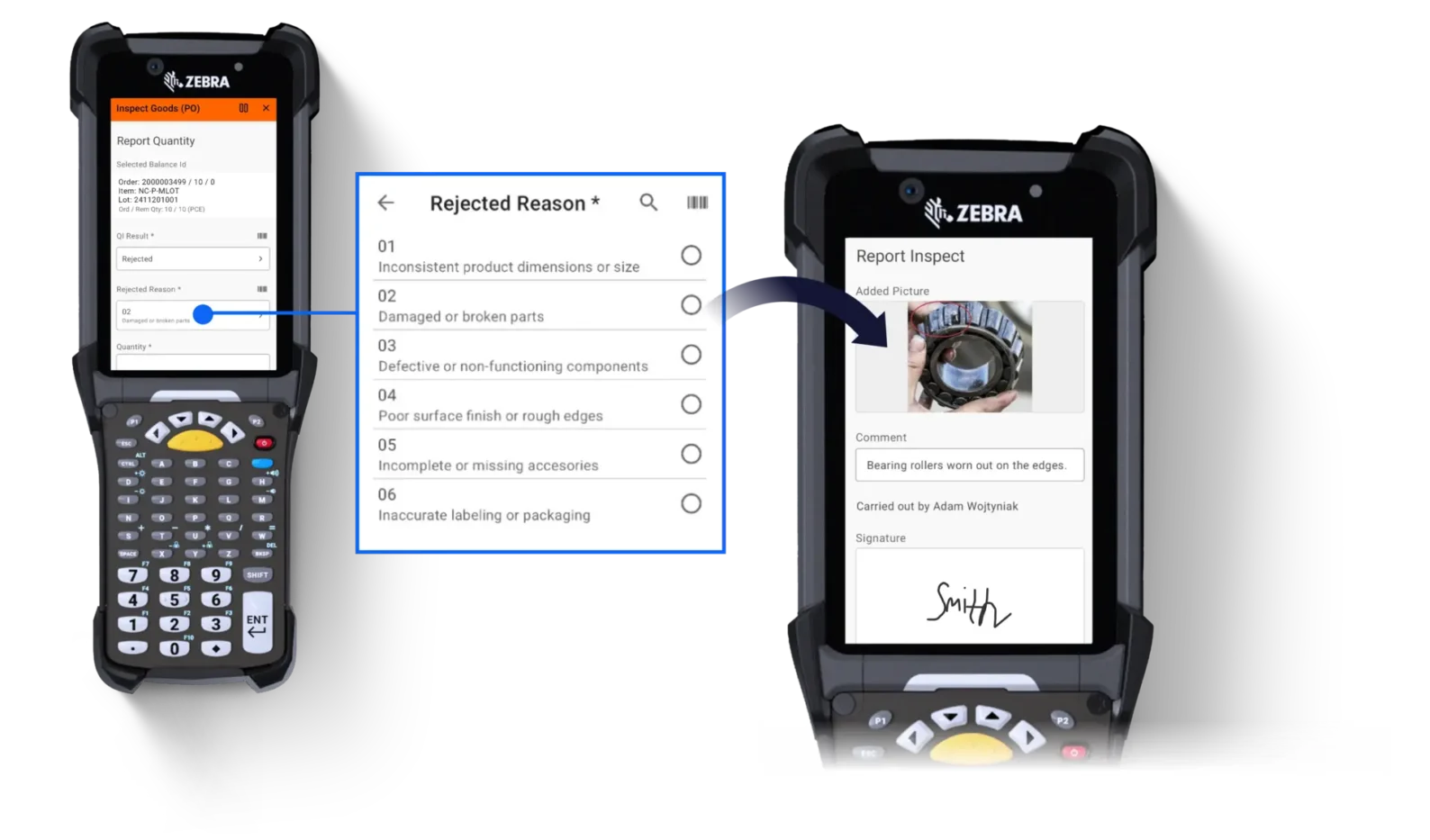
Record accepted and rejected quantities, capture photos, add notes and signatures and send documentation to IDM or suppliers for claims and evaluations.
Sales and service
Customer order and service apps
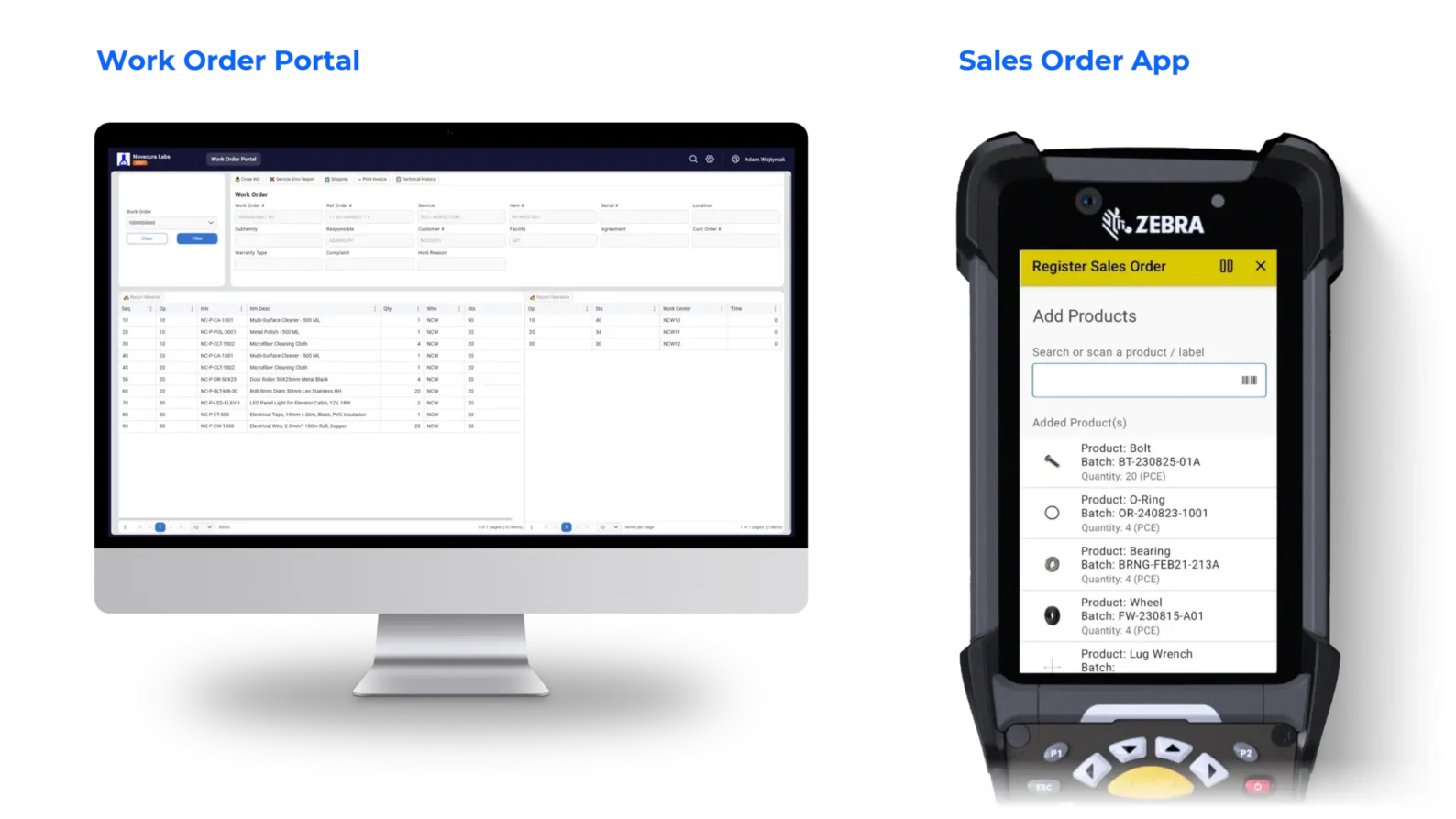
Enable mobile order entry or service workflows. Scan products at a wholesale distributor, create M3 orders and manage service visits with full order and history view.
Cross process
Approvals and automation
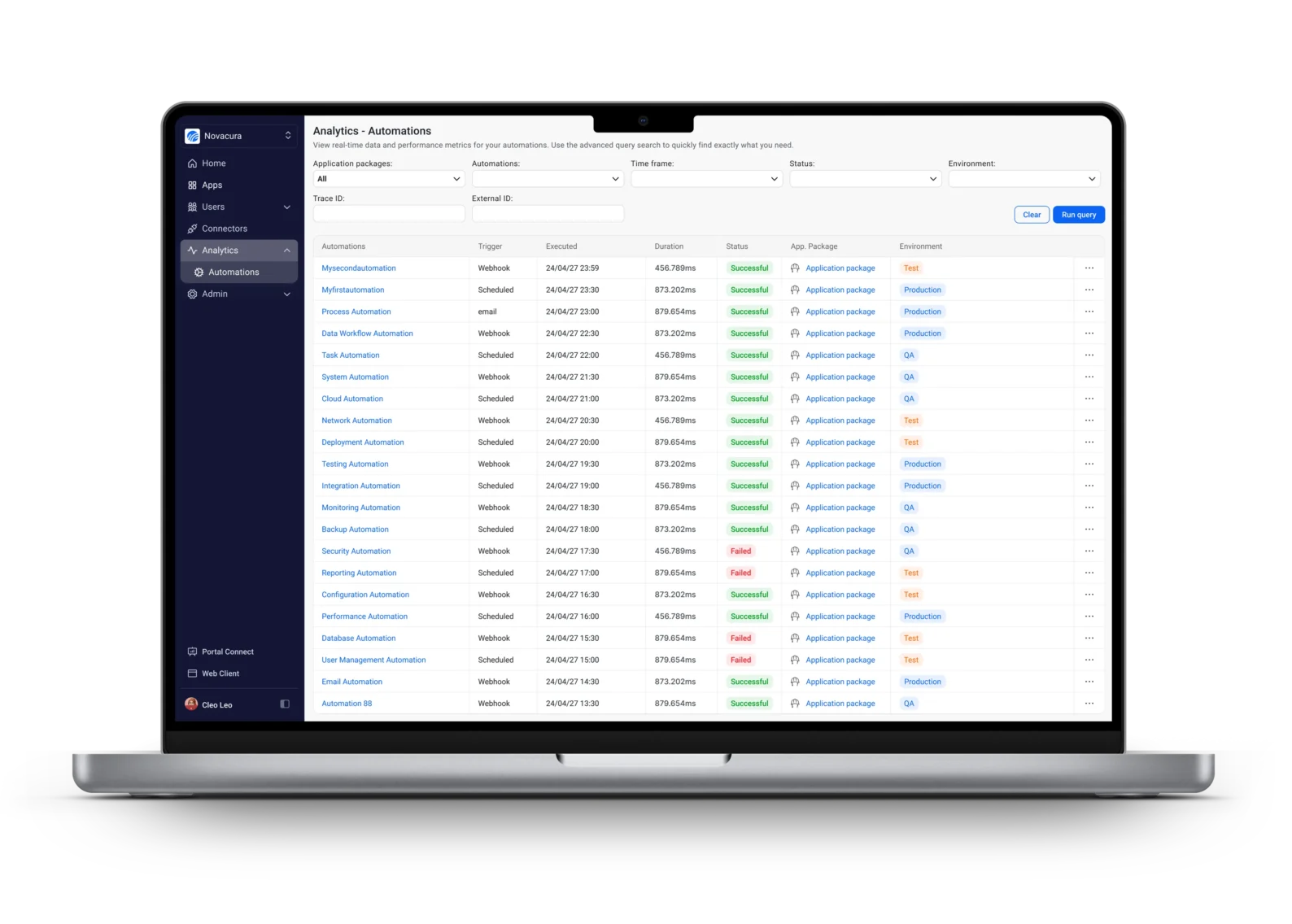
Automate purchase order approvals, notifications and exception handling. Route decisions to the right people on mobile or web and update M3 automatically.
Top features for Infor M3:
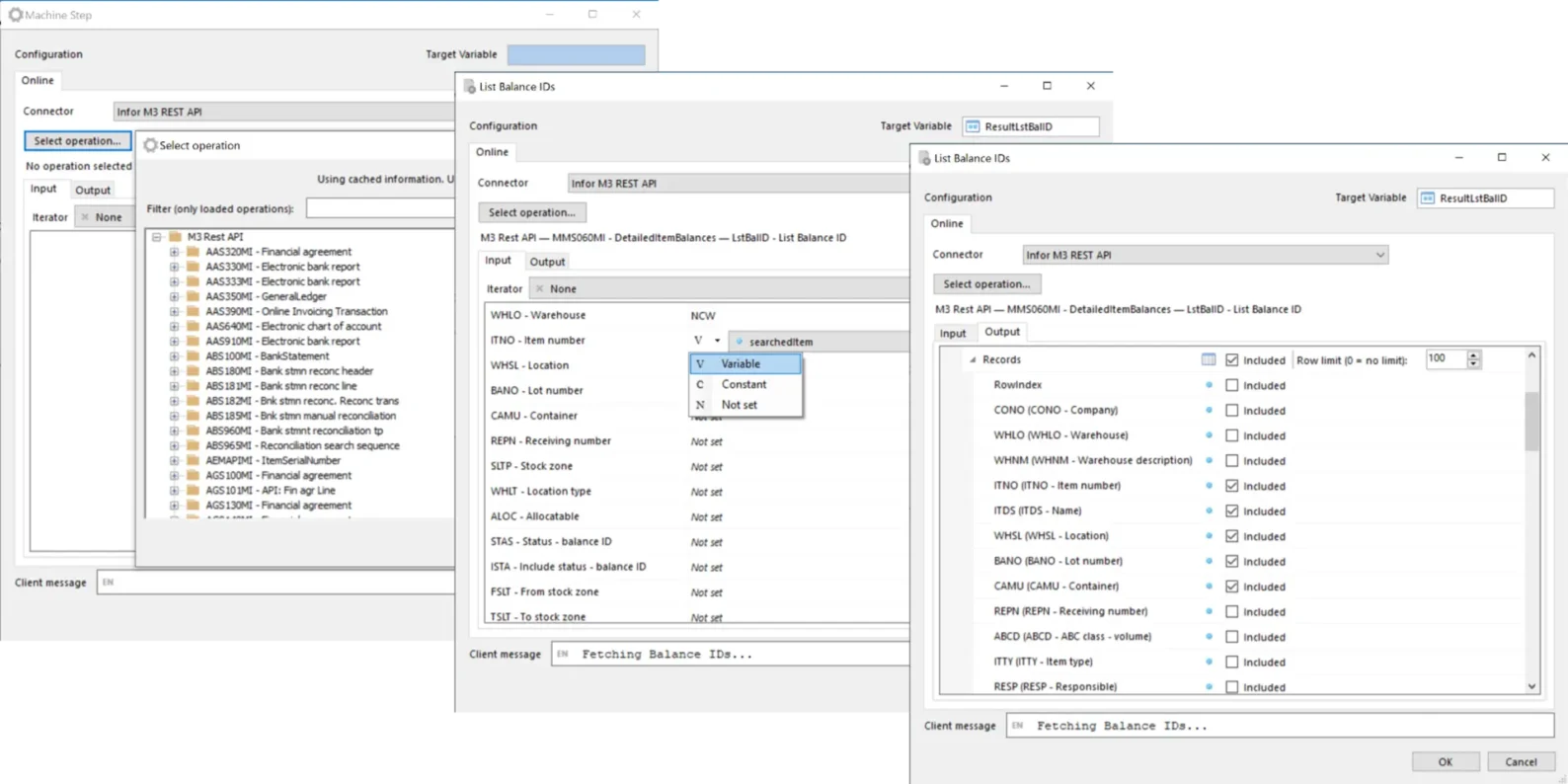
Dedicated connector for M3
Supports Infor M3 13.4 on premises and M3 CloudSuite, uses authorized APIs and respects user permissions.
Performance and control
Combine multiple data sources, choose which steps require user input and which run in the background to keep work fast.
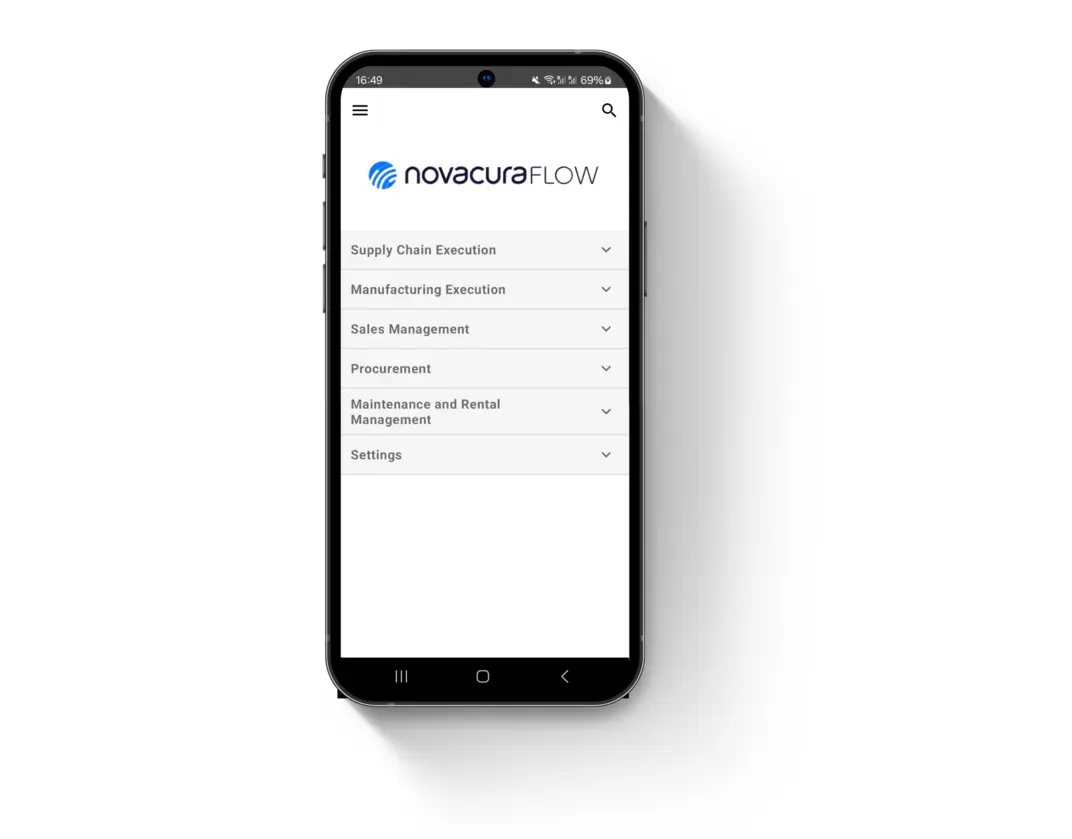
Mobility and simplicity
Ergonomic mobile UX for high frequency tasks, plus a rich web portal for planning, dashboards and reporting.
Marketplace templates
Start from ready made M3 apps for logistics and manufacturing, then adapt instead of building from scratch.
Contact our expert:
Please fill out the form