If Crystal Reports touches your invoices, this is already on your desk
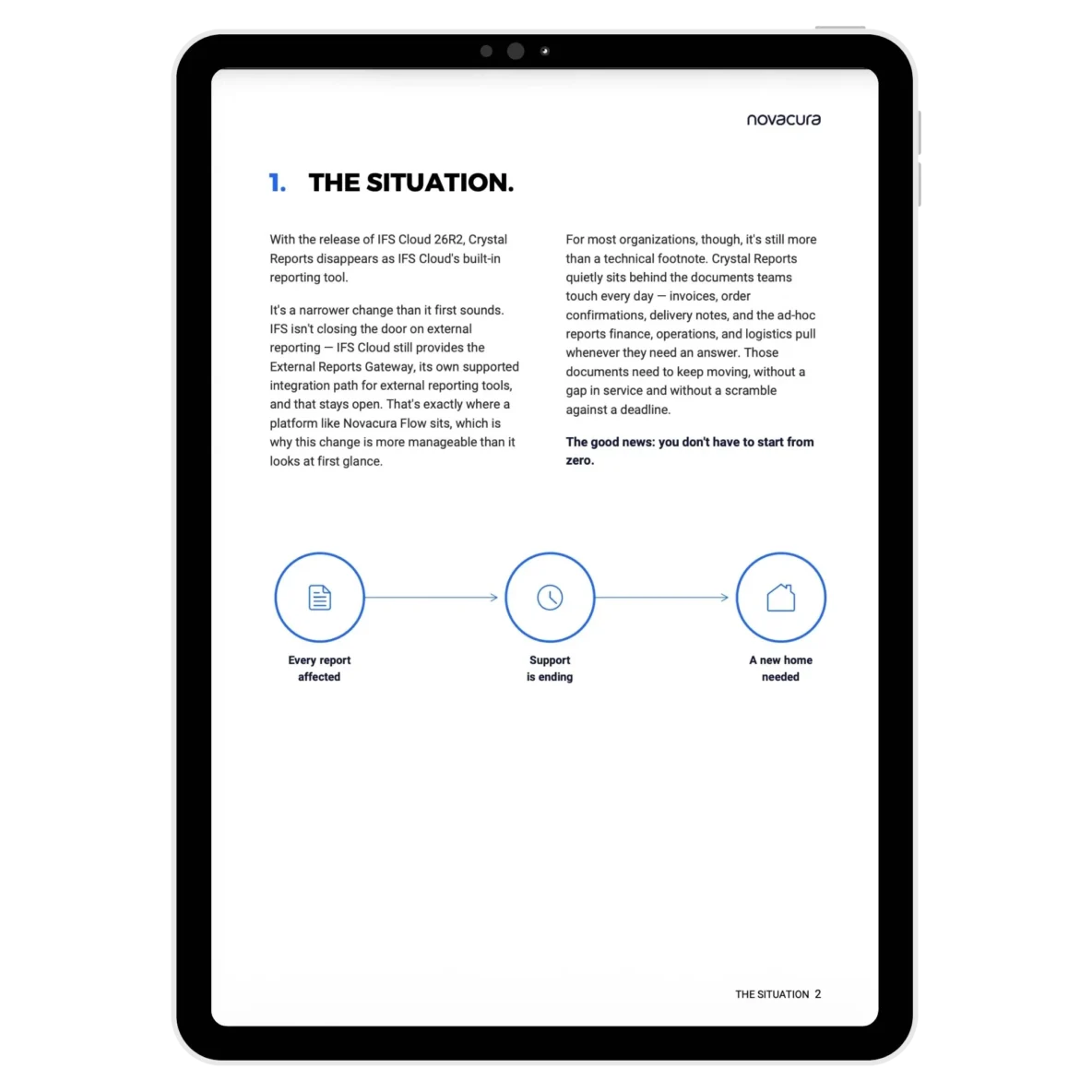
IFS Cloud 26R2 removes Crystal Reports as the built-in reporting tool. IFS isn't shutting the door on external reporting - the External Reports Gateway stays fully supported - but that's cold comfort if nobody on your team has mapped what actually depends on Crystal Reports today.
For most organizations, that's more than a technical footnote. It's the tool quietly generating the invoices, order printouts, and delivery notes your business runs on every single day. Those can't have a gap in service, and they can't wait for someone to notice the problem two weeks before go-live.
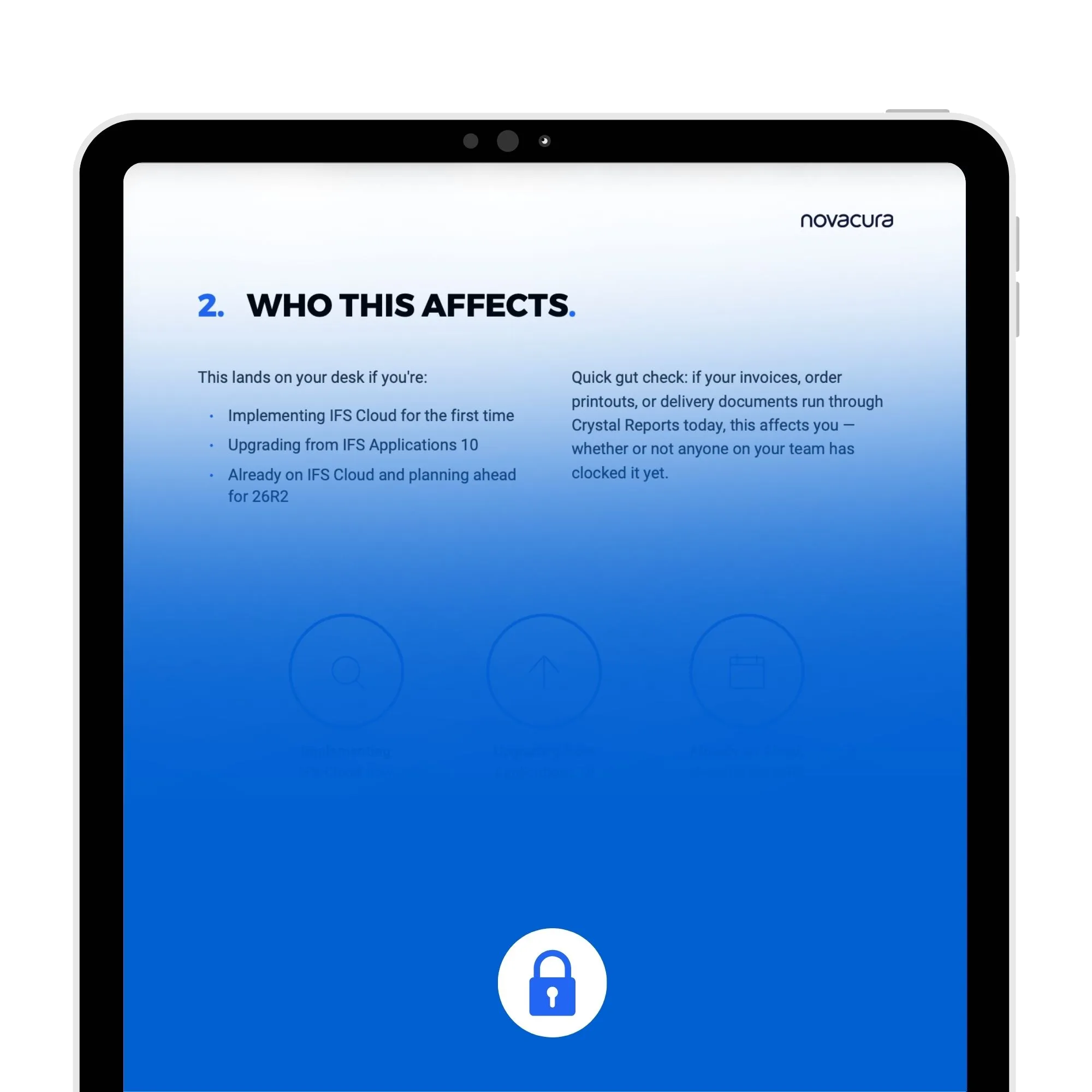
If your invoices, order printouts, or delivery documents run through Crystal Reports today, this affects you - whether or not anyone's flagged it yet.
What's actually inside
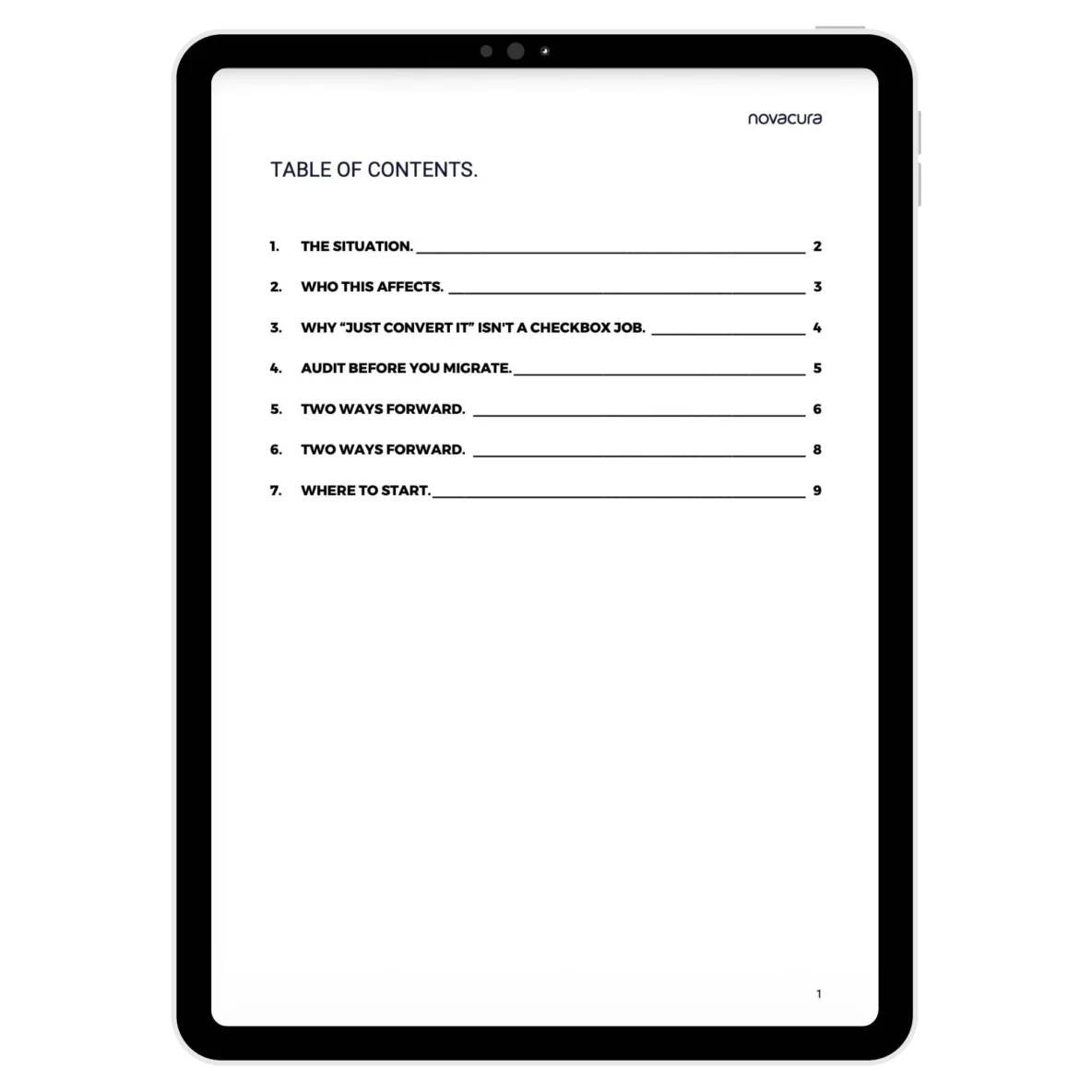
- Know exactly what's changing and what isn't - Crystal Reports goes, the External Reports Gateway stays. We spell out what that means for you.
- Find out who's affected before it finds you - whether you're implementing IFS Cloud now, upgrading from Applications 10, or already on Cloud planning ahead.
- Understand why "just convert the file" doesn't work - the real reason Crystal Reports and IFS Cloud's native Report Studio don't map 1:1, in plain terms.
- Get a way to audit your report library first - so you're not treating a rarely-opened report with the same urgency as the one finance runs every morning.
- See both paths forward, side by side - keep your current reporting tool fully integrated, or move reports natively into Novacura Flow's own reporting toolbox. Report by report, not all-or-nothing.
- Walk away with a sizing guide - so you know if you're looking at a handful of reports or hundreds across multiple sites, and what that means for your timeline.
- Start with a 4-step checklist - the exact first move to make before you talk to anyone about this, including us.
Don’t let a reporting tool decide when your invoices stop
Crystal Reports is leaving IFS Cloud. Your reporting doesn’t have to leave with it. Download the playbook and get a clear, report-by-report way to handle the transition – before 26R2 forces the question.