Talk to any warehouse manager running Infor M3 and you’ll hear a version of the same story: the system is right, but it’s the last one to know. A pick gets confirmed on the floor, but it doesn’t hit inventory until someone keys it in from a desk-bound terminal twenty minutes later. A putaway location shows “available” on screen because the physical move hasn’t been logged yet. M3 isn’t wrong — it just hasn’t been told yet.

That lag between physical execution and digital record is where operational resilience breaks down, and closing it means rethinking how execution data reaches the ERP in the first place, not rethinking the ERP.

What Supply Chain Execution Truly Means

Supply Chain Execution (SCE) is not merely about moving inventory from point A to point B; it is the real-time synchronization of physical material movement with your digital record. It represents the precise moment a purchase order becomes a physical item on a shelf, or a sales order changes into a packed container ready for dispatch. For logistics and manufacturing managers, SCE is measured by rigid KPIs: order accuracy, dock-to-stock lead times, cycle-count accuracy, and total throughput velocity.

How Infor M3 Manages Execution

Infor M3 is an incredibly robust ERP engine designed to handle complex multi-site planning, financial allocations, and deep transactional logic. Infor also offers native mobile options like Factory Track for warehouse transactions — but these are built around fixed, out-of-the-box workflows that rarely match a facility’s exact SOPs without heavy configuration effort.

The real problem is data lag. When those native workflows don’t fit and operators fall back on paper pick-lists, manual logs, or desk-bound terminals to input stock updates, a disconnect forms. The physical floor reality moves faster than the ERP data entry, creating downstream discrepancies, misallocated stock, and artificial production bottlenecks.

Why Use the Supply Chain Execution App Package?

To close this operational gap, Novacura developed a dedicated Supply Chain Execution application package for Infor M3.

This pre-built suite covers inbound, inhouse, and outbound warehouse operations with mobile-friendly applications built specifically for M3’s logistics processes.

Rather than attempting to replace or heavily customize Infor M3, this package acts as a process-optimizing low-code layer. It translates complex M3 programs into sequential, conditional steps tailored specifically for an operator holding a mobile device or industrial scanner on the floor.

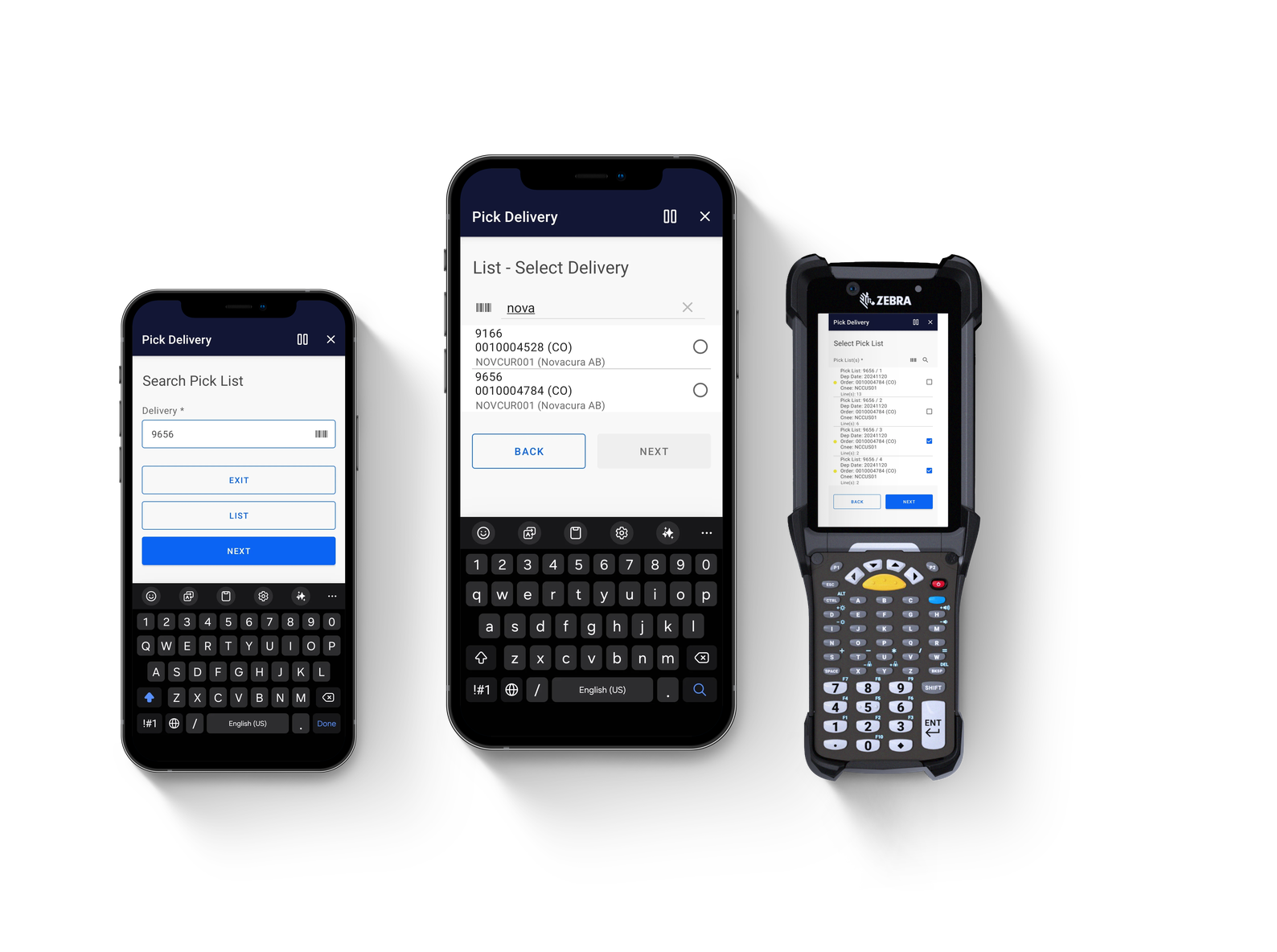
A product layout featuring three mobile devices displaying different screens of a logistics app titled "Receive Goods (PO)." The devices include two standard smartphones and one rugged Zebra enterprise scanner with a physical keyboard.

How Novacura Apps Interact with Infor M3

The architecture is built for direct connectivity and security. The execution suite connects natively to your ERP through the secure Infor M3 REST API.

When an operator scans a barcode or confirms a movement, the transaction is processed via the M3 bulk API in real time. There’s no middleware layer and no third-party database replicating your data — M3 remains the single, definitive source of truth, updated instantly at the point of performance. Furthermore, if standard features fall short, these templates can be easily modified inside the Novacura Flow low-code platform to match your exact standard operating procedures (SOPs).

End-to-End Warehouse Mastery

The application package covers the full warehouse journey, split cleanly across three fundamental operational phases.

Phase I: Receiving Inbound Goods

Eliminate manual entry bottlenecks and downstream discrepancies at the point of entry. This layer replaces complex native ERP screens with a streamlined, mobile-first workflow that ensures every inbound shipment—whether from suppliers, internal distribution, or returns—is validated, tracked, and routed to storage in real time.

  • Receive Goods (PO): Search open purchase orders and report detailed catch weights and lot details directly from the dock.

  • Inspect Goods (PO): Execute shop-floor quality inspections and instantly report reject reasons into PPS310.

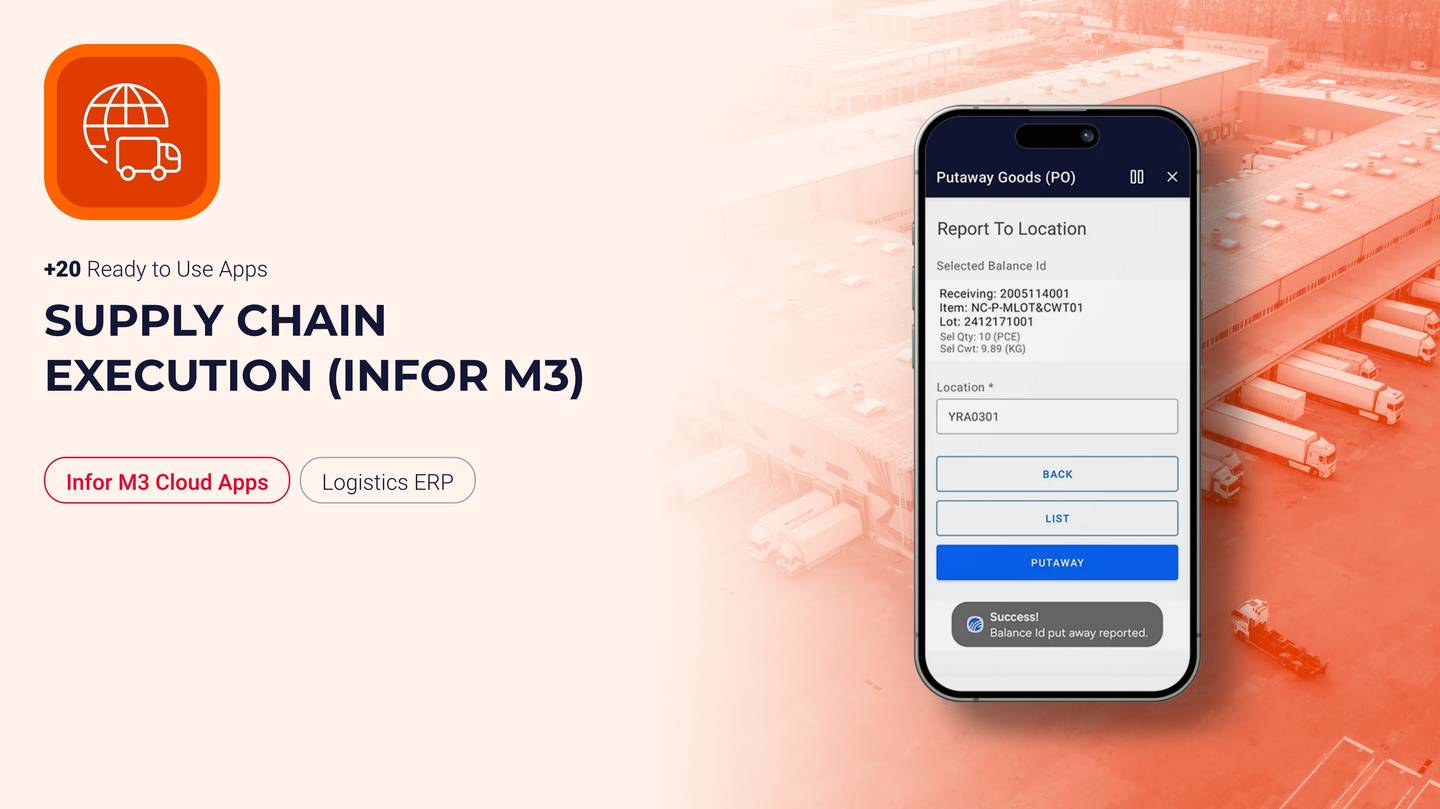
  • Putaway Goods (PO): Route received purchase order items directly to optimal storage locations to maximize space utilization.

  • Receive Goods (DO): Streamline the intake and validation of internal Distribution Orders between facilities.

  • Receive Goods (RO): Manage, document, and route inbound Customer Returns efficiently to speed up dispositioning.

  • Receive Delivery (ASN): Accelerate dock intake by validating incoming shipments directly against Advanced Shipping Notifications.

  • Receive Goods (CR): Handle specialized Customer Returns logging directly to locations while tracking lot variables.

  • Process Put-away (2-Step): Orchestrate staged put-away logistics for operations requiring intermediate staging zones before final bin placement.

Phase II: Managing Inhouse Activities

By providing mobile tools for cycle counting, stock adjustments, and asset reclassification, this module keeps your digital twin in perfect sync with physical floor reality, dramatically reducing data lag and stabilizing production scheduling.

  • Move Stock: Execute on-the-fly inventory transfers between bins, zones, or warehouses to maintain absolute layout efficiency.

  • Count Stock: Simplify physical inventory counts and cycle counting parameters directly tying back to MMS300/MMS301.

  • Reclassify Stock: Instantly update stock statuses, expiration fields, and lot assignments directly from the bin location.

  • Update Stock: Make real-time adjustments to quantities and existing Balance IDs when discrepancies are spotted.

  • Add Stock: Log unexpected or un-ordered physical stock discovery directly into Infor M3 to maintain inventory integrity.

  • Print Stock Label: Generate and print high-fidelity inventory barcodes on demand to ad-hoc printers nearby.

  • View Stock Allocation: Access a clean visual overview displaying the allocation survey of selected items to preserve order fulfillment clarity.

  • View Stock Details: Give operators instant, transparent visibility into specific item attributes, locations, and lot histories.

  • On the Roadmap (Coming Soon): Create Stock Internal Order | View Transactions History | Manage Sublots | Blend Lots.

Phase III: Managing Outbound Goods

This execution layer optimizes the final leg of your supply chain by coordinating warehouse logistics—guiding operators through structured picking paths, rapid packing workflows, and automated container manifesting directly integrated with M3.

  • Release Delivery for Pick: Authorize and push qualified delivery lines to the warehouse floor to trigger immediate fulfillment.

  • Pick Delivery: Execute guided, optimized picking routes with direct mobile confirmation to minimize foot travel and eliminate errors.

  • Pack Delivery: Verify, aggregate, and package picked items into correct transport containers with accurate item grouping.

  • Issue Delivery: Finalize the shipping process, deducting inventory and updating order statuses instantaneously within M3.

  • On the Roadmap (Coming Soon): Correct Delivery Picking | Manage Delivery Packages | Print Delivery Documents & Labels | Manage Shipment (Load Building) | Delivery Toolbox.

Scalable Agility

By decoupling the user interface from ERP complexity, you unlock operational velocity. Warehouses run faster, data entry errors drop significantly, and management gains end-to-end traceability across the logistics cycle.

The Supply Chain Execution package for Infor M3 is delivered ready to deploy: download the package, establish your API connection, and put precise, guided mobile applications into the hands of your operations workforce.

Expand Your Capabilities

The supply chain does not stop at the warehouse door. Discover our growing library of purpose-built enterprise application templates — spanning Manufacturing Execution, Procurement, and Asset Maintenance — by exploring the Novacura Marketplace today.

Łukasz Majer

Business Solutions Director at Novacura