Crystal Reports Is Being Removed From IFS Cloud – Here Are Your Options
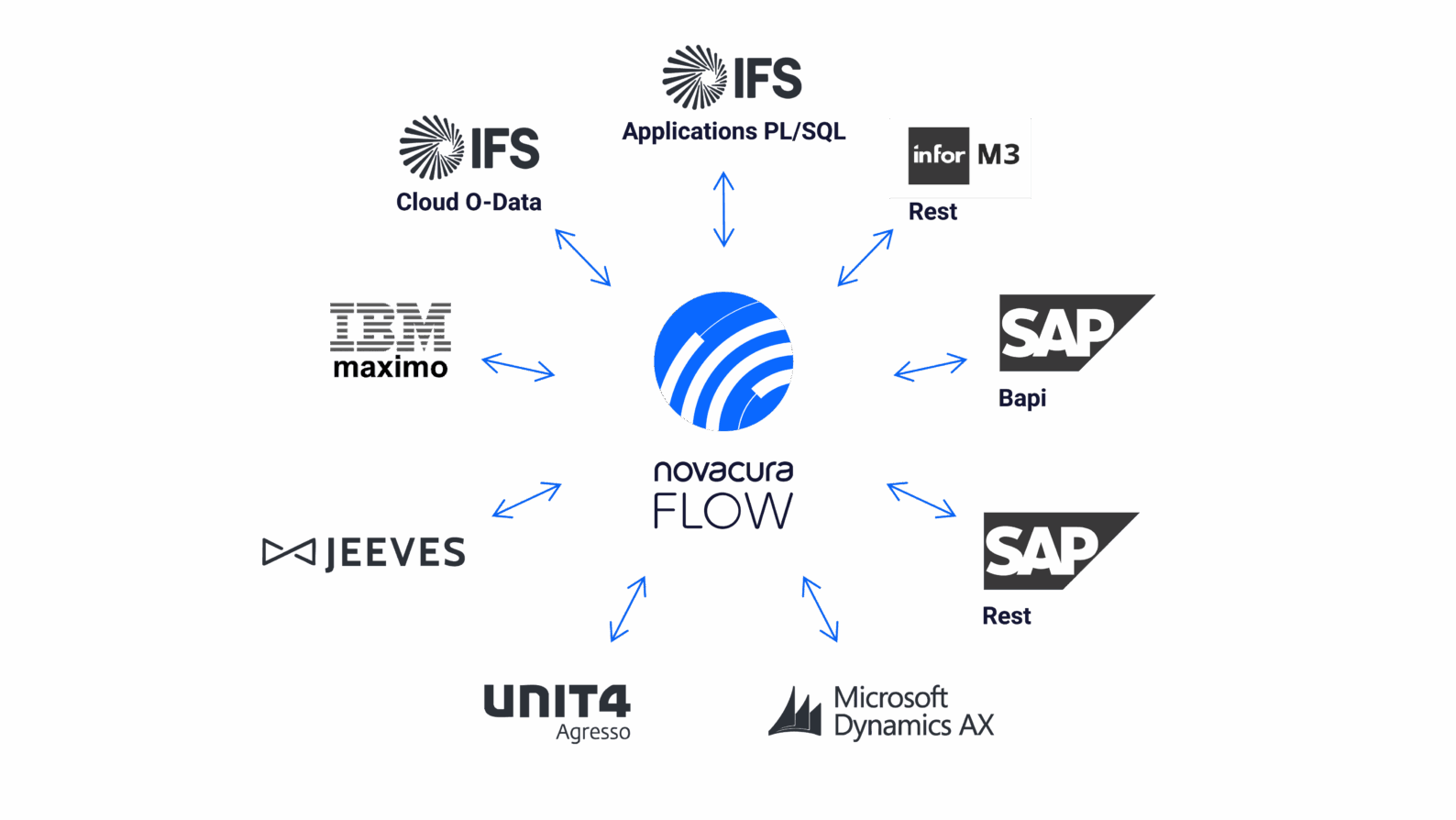
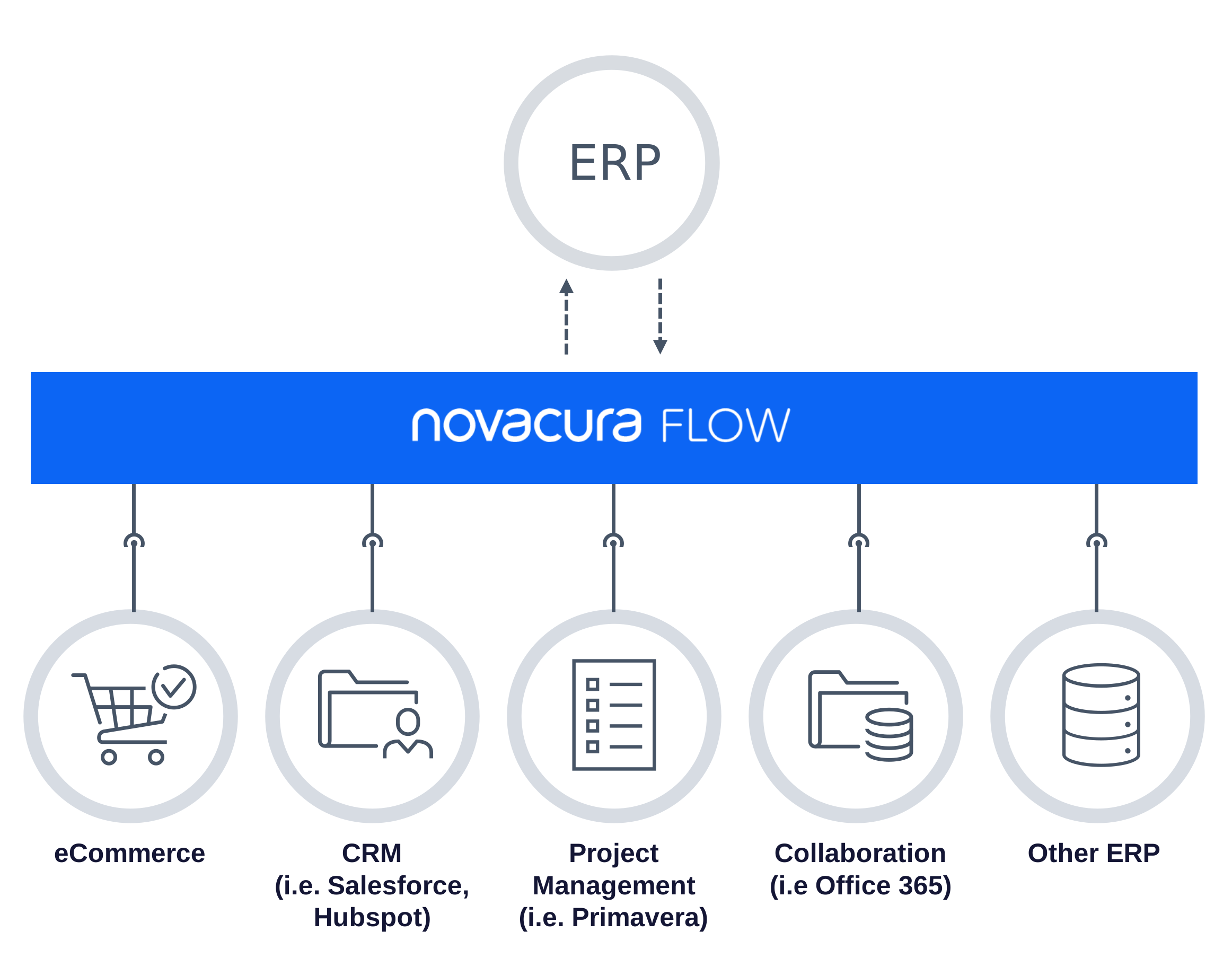
Don’t lose the reports your business runs on. Novacura Flow Connect gives you two ways forward – keep what works, or upgrade to more. Novacura Flow bridges the gap between ERP and operations — with AI-powered workflows, ready-to-deploy industry solutions, and seamless no-touch integrations that connect IFS Cloud to the way your teams actually work. Reporting is just one part of that picture, which is why we’re well placed to help with the change coming to Crystal Reports. What’s Changing? With the release of IFS Cloud 26R2, IFS will no longer support Crystal Reports as its built-in reporting tool. It’s a narrow change — the embedded Crystal Reports plug-in is being retired — not a move away from connected reporting. IFS still exposes report data through its third-party application gateway, which is exactly where solutions like Novacura Flow connect. For most organizations, that’s more than a technical footnote. Crystal Reports sits behind everyday operational documents — invoices, order printouts, delivery schedules — and the ad-hoc reports your teams rely on across finance, operations, and logistics. Those reports need to keep flowing, without disrupting daily business. The good news: you don’t have to start over. Who This Affects? If you’re implementing IFS Cloud now, upgrading from IFS Applications 10, or planning a future move to the Cloud, this change lands on your desk. Teams that have already invested in building Crystal Reports layouts face the prospect of recreating that work — and everyone needs a plan for their existing reports before Crystal Reports is no longer available. Whatever your starting point, the decision comes down to a familiar trade-off: keep what already works, or use the moment to modernise. It’s worth understanding both paths and the trade-offs before you commit. Novacura Flow Connect supports either one. Two Ways Forward Both options run on the same foundation — Novacura Flow Connect, sitting between IFS Cloud and your reports. From there you can go one of two ways. Option 1 — Keep your Crystal Reports Run all your existing Crystal Reports — standard and custom — fully integrated with IFS Cloud through Novacura Flow Connect. Your business data stays in IFS Cloud, Flow Connect initiates and runs the report, Crystal Reports continues to manage the report definitions, and the finished document is returned to IFS Cloud for archiving and printing — or distributed straight from Flow. In practice, it works much like what you have today. Your report layouts don’t need to be rebuilt, so the transition stays low-risk. Reports can be triggered two ways: Manually, from a Flow app — users run any report on demand, on desktop or mobile, or from inside IFS. Automatically, from IFS — an IFS event triggers a Flow Automation that generates the report with live IFS data. On demand for your users, or fully automated in the background. Option 2 — Gradually move to Flow reporting If you’d rather take this moment to modernise, you can gradually replace Crystal Reports with the full reporting toolbox built into Novacura Flow — connected natively to […]
learn more
Migrating to IFS Cloud? Here’s How Novacura AI Automatically Converts Your Flow Applications
Safeguarding Your Migration Investment Novacura supports customers across the full ERP lifecycle – ERP orientation isn’t a marketing tagline, it’s our core mission. So when many of our customers began navigating the upgrade to IFS Cloud, we saw the same friction point emerge: the ERP upgrade itself isn’t the hardest part. It’s what happens to the Flow solutions built around it. IFS Applications and IFS Cloud don’t just differ in version — they differ in kind. One relies on classic Oracle PL/SQL APIs; the other is a modern cloud platform built on OData and REST. Bridging that gap demands specialized knowledge most teams simply don’t have on hand. That’s why we built the IFS Migration Tool for Flow. It automates the conversion of Flow applications built for IFS Applications, carrying your business logic forward into IFS Cloud with speed, transparency, and measurable cost savings – typically cutting migration effort by more than 50%. The tool processes workflows from both Flow Classic and Flow Connect, focusing specifically on the machine steps responsible for IFS interaction and converting them automatically. The heavy lifting is done. Final assembly remains with your development team. This is not an ERP data migration tool. It protects the Novacura Flow investment your organization has built over the years – and ensures it carries forward into IFS Cloud, not into a rewrite backlog. Our Solution: Ifs Migration Tool For Flow The Migration Tool can process workflows from both Flow Classic and Flow Connect, but the output is always generated for Flow Connect. The tool focuses only on machine steps responsible for IFS Apps interaction and converts them (SQL or PL/SQL blocks) into corresponding Flow Script blocks for IFS Cloud (1:1). In the generated Flow Script, the tool fully utilizes Flow Script Modules generated to wrap IFS API endpoints (Flow Script does not call OData endpoints directly, but only through the available FS Modules). While the tool provides significant relief by automating the conversion of logic, it is currently machine-step-oriented. It retrieves and converts the steps, but does not inject the code back into the final workflow automatically; this final assembly remains in the hands of the developer. Furthermore, while the tool can process legacy Flow Classic workflows, the output is always generated for Flow Connect, aligning your environment with the latest technical standards. Note: This tool focuses exclusively on converting workflows between the two IFS product lines. It does not perform the ERP data migration itself, nor does it support a generic “Classic to Connect” migration outside of the IFS version context. Who is this for? This specialized tool is engineered for Novacura Flow users who have developed a robust ecosystem of applications for IFS Applications and now face the strategic necessity of aligning those assets with the IFS Cloud environment. It is built specifically for organizations that recognize the profound technical leap required to move from legacy Oracle PL/SQL APIs to the modern OData projection catalog, ensuring that existing business logic is not abandoned, but rather seamlessly transitioned into the new cloud-native architecture. Precision At Scale (The 10-level Complexity Scale) We do not view migration as a “black box” process. To provide total transparency, the tool classifies every workflow step into 10 complexity levels: Levels 1–3 […]
learn more
Novacura Flow Quarterly News: Q1 2026 Highlights
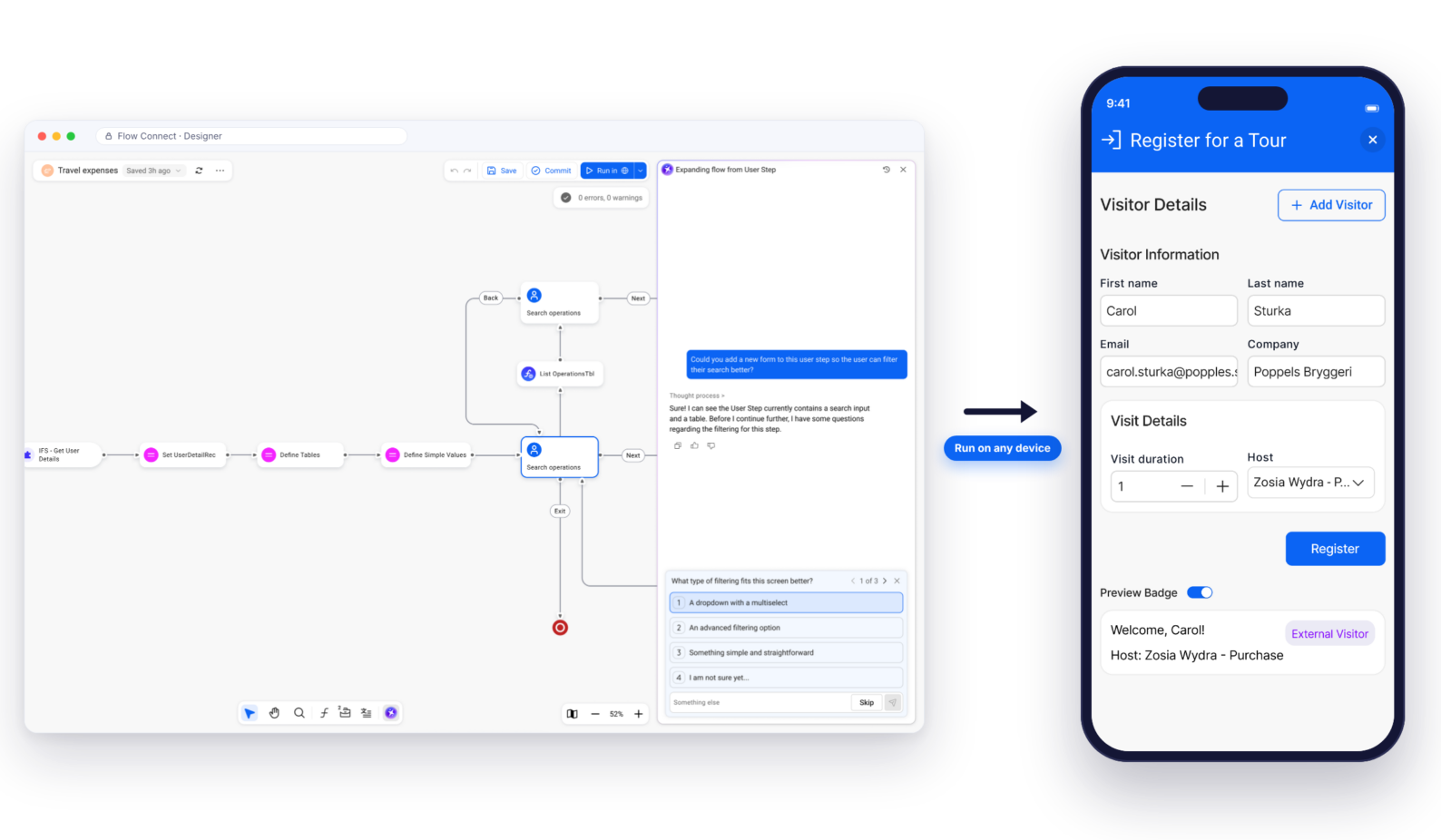
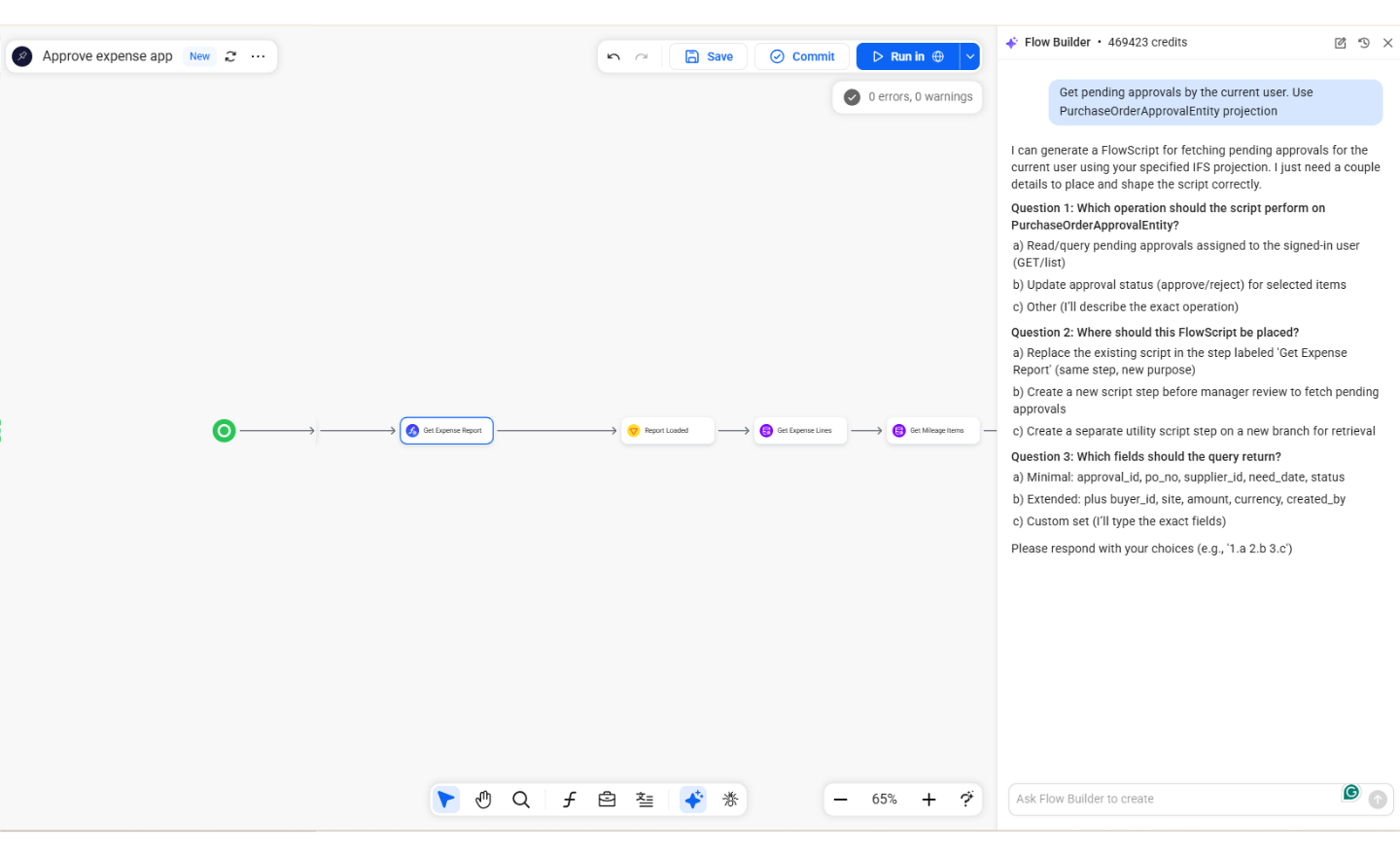
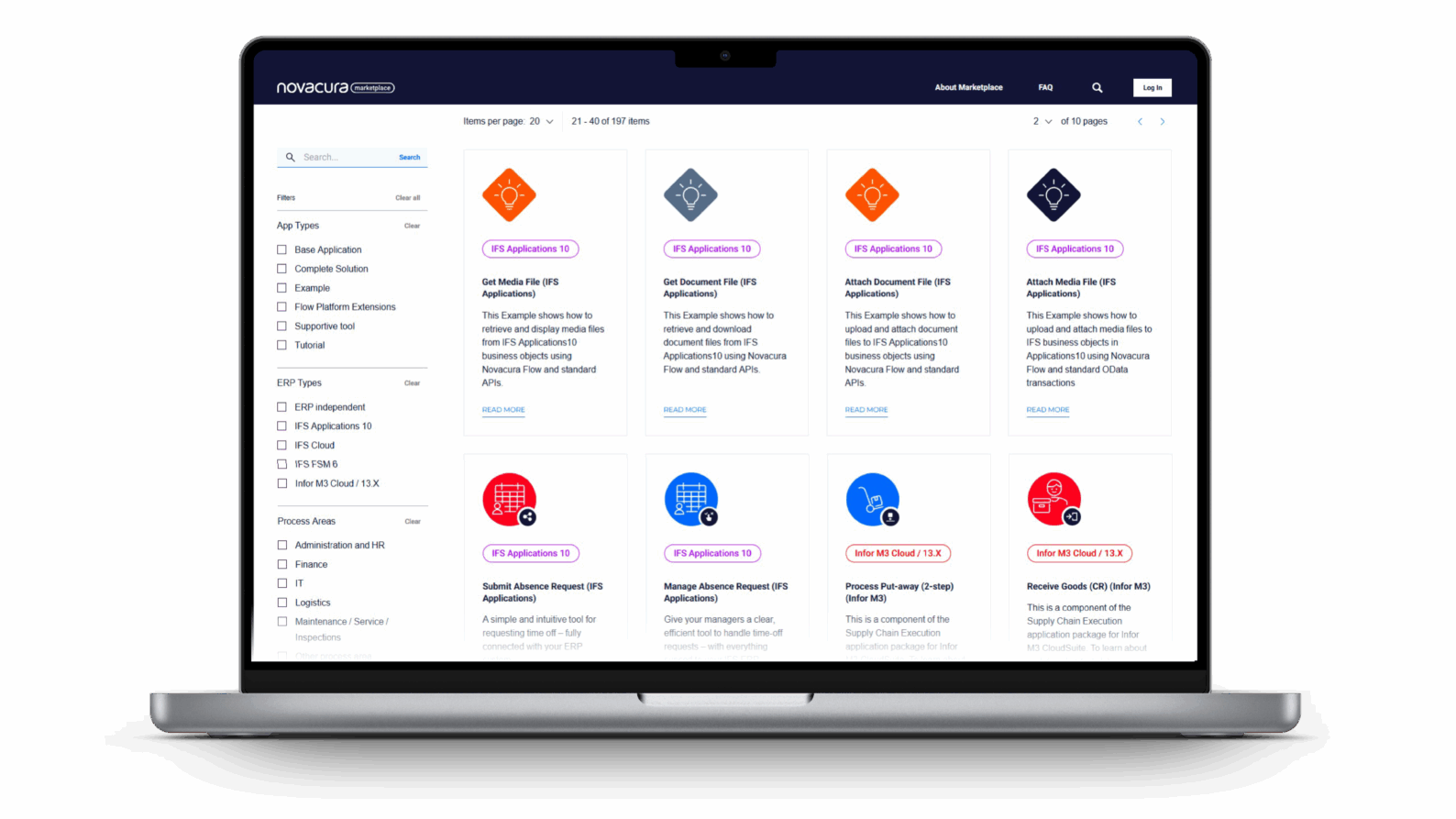
The Q1 2026 update for Novacura Flow has arrived, showcasing a major leap forward in ERP system expansion. This quarter, the focus is squarely on the transition to Flow Connect, the introduction of Generative AI, and streamlining the migration path for IFS Cloud customers. Here is a breakdown of the most significant updates from the March 27th session. The Rise of Generative AI in ERP: From Prompt to Wireframe The new Flow Builder is Novacura’s first step into generative AI. It allows developers to describe a business need in natural language, which the AI then uses to generate a functional wireframe, including automatic IFS Cloud OData API integrations. Flow Builder (Generative AI): This new tool allows developers to create application wireframes in seconds using natural language. By describing a workflow, the AI generates the logic, handles clarifying questions like a consultant, and can even write Flow Script for IFS Cloud OData integrations. AI-Powered Translations: Located within the new “Phrase Book” assets, you can now request instant Swedish (or other language) translations for entire applications or individual missing cells. Flow Connect & The New Web Designer Starting April 1st, 2026, the Web Designer becomes the default for all organizations in Flow Connect. No Installation Required: Move away from thick-client Windows installations to a fully browser-based experience. Important Note: Applications committed in the Web Designer cannot be reopened in the older Windows designer. Plan your team’s transition accordingly. Solving the IFS Cloud Migration Puzzle For customers moving to IFS Cloud, Novacura introduced two powerful “killer apps”: IFS Comparison Tool: This tool scans your existing workflows and compares them against different IFS versions. It highlights exactly which APIs or OData methods have changed, giving you a clear CSV report of what needs to be fixed for your next upgrade. PL/SQL to Flow Script Converter: A breakthrough for migrations, this tool uses AI to convert legacy PL/SQL blocks into modern Flow Script and OData calls. It targets an 80% automation rate for common workflow steps, significantly reducing manual consulting hours. New Technical Capabilities Local Storage: A game-changer for offline apps. It allows data manipulation directly on the device (offline) that persists across different apps within the same session. Expanded Connectors: The addition of ODBC (accessing MySQL, PostgreSQL, etc.), FTP, and OPC UA (for shop floor IoT devices) bridges the gap for customers migrating from Flow Classic. Octa Integration: Native support for Octa login is now available for identity management. Flow Classic: The Road Ahead While the focus is on Flow Connect, Novacura remains committed to Classic users. Standard Support: Continues through the end of 2026. Restricted Support: Begins Q1 2027 and ends September 30th, 2027. Transition: For those who must remain on-premises, Flow Connect Edge is slated for release in Q4 2026. Marketplace Updates: Now Free for Everyone In an effort to expand the community, Novacura has introduced a Free Plan for the Marketplace. Even without an active subscription, users can now access basic applications, tutorials, and supportive tools to learn the platform. New Marketplace Highlights: AI Lead Capture: An app that lets you scan […]
learn more
Novacura at IFS Sales kickoff (SaKo) 2026
Novacura participated in the IFS Sales Kick-Off (SaKo) 2026 in Dallas, Texas—one of the key events in the IFS ecosystem. The summit highlighted the shift from traditional ERP to Autonomous Industrial AI and showcased strategic priorities like AI-driven sales, digital workers, and partner-driven growth. Insights from the event reinforce Novacura’s role in helping customers bridge advanced IFS AI capabilities with real-world operational needs using Novacura Flow.
learn more
How usability is the key to ERP efficiency – Insights from Aksel Jarlbäck
Usability is becoming the defining factor in ERP efficiency. In this interview, Aksel Jarlbäck explains how Novacura is transforming the Infor M3 experience by making business applications intuitive, user‑friendly, and adaptable.
learn more
Novacura Flow Quarterly News – Q4 2025: Key Product Updates and Roadmap Insights
On December 5th, 2025, Novacura hosted its Q4 Quarterly News webinar to wrap up a year of significant transformation for the Novacura Flow Platform. This session provided users with a transparent view of the final 2025 updates, focusing on flow connect stability, AI-powered automation and the official launch of the new Marketplace Belów, we break down the main themes covered during the Q4 webinar, highlighting, how we’ve turned the promises of earlier quarters into reality, and what new key features our users can expect in 2026. Q4 Product release: Powering the Future with AI-driven insights and a new Marketplace experience Closing the year with a major leap forward, our Q4 update positions Flow Connect as a modern environment, delivering enhanced automation and an improved user experience: Seamless Offline and Async OperationsBuilding on the “Async” capabilities introduced the past, the Q4 update finalizes the offline client capabilities. The demo showcased a sophisticated logistics scenario where data preloading and background synchronization now happen with zero latency for the end-user. This ensures that Novacura Flow Connect is the premier choice for low-connectivity environments like remote sites or deep-storage warehouses. New Map PortletThe Map Portlet has been officially introduced to the Portal. This allows for advanced geographic data visualization directly within Custom Content Portals. Users can now view real-time asset locations or service routes on interactive maps and take action directly from the dashboard. Phrasebook: Centralized Translation ManagementThe Translation Management System (Phrasebook) is now fully operational Supporting ICU formatting, this feature allows developers to translate a statement once and reference it across all applications. This eliminates the need to translate the same phrase multiple times, ensuring a consistent, multilingual user experience globally. Marketplace: the new Platform is LIVE! The most anticipated update of Q4 was the official transition to the new Novacura Marketplace Platform: The Public Portal Features significantly better filtering by ERP system, a clear distinction between “Examples” and “Full Application Packages”. One Click Enabling The Transactional Part of the marketplace now allows for “one-click” app activation, deploying solutions directly into the environment. AI Powered Search Users can now find relevant applications among over 200 listings using natural language prompts (e.g., “Show me apps for mobile maintenance in IFS Cloud”). New Strategic Packages We officially released the Supplier Invoice Automation and Time Reporting for Regular Employees packages. The AI frontier: Flow Connect Co-Pilot The AI-Powered Flow Connect Co-Pilot is now available to help users with development questions through real-time chat. Whether you need help writing a specific Flow Script or understanding an error message, the Co-Pilot acts as an expert assistant built directly into the Workflow Designer, making onboarding to Flow Connect faster than ever. Automation: Intelligence at scale Novacura continues to streamline workflow modernization and migration capabilities: AI-Driven Automation Insights The Automation Analytics Dashboard introduced in Q2 has evolved. It now features the Data Analysis AI Copilot, which provides automated summaries of server-side runs. Instead of just monitoring success or failure, the AI now identifies performance trends and suggests optimizations for individual workflow steps. Security and ProvisioningTo support large-scale enterprise deployments, we have introduces […]
learn more