At Novacura, our focus is on providing solutions that integrate innovative technology into your existing ERP framework, ultimately delivering faster time-to-value for your business processes. The Novacura Marketplace is a core part of this approach, serving as a comprehensive source of ready-made applications for your ERP system.
Once subscribed, you gain access to the complete library, allowing you to download and import applications directly into your Novacura Flow environment. A key benefit is the flexibility to immediately customize, clone, or build your own individual versions tailored to your specific operational needs.
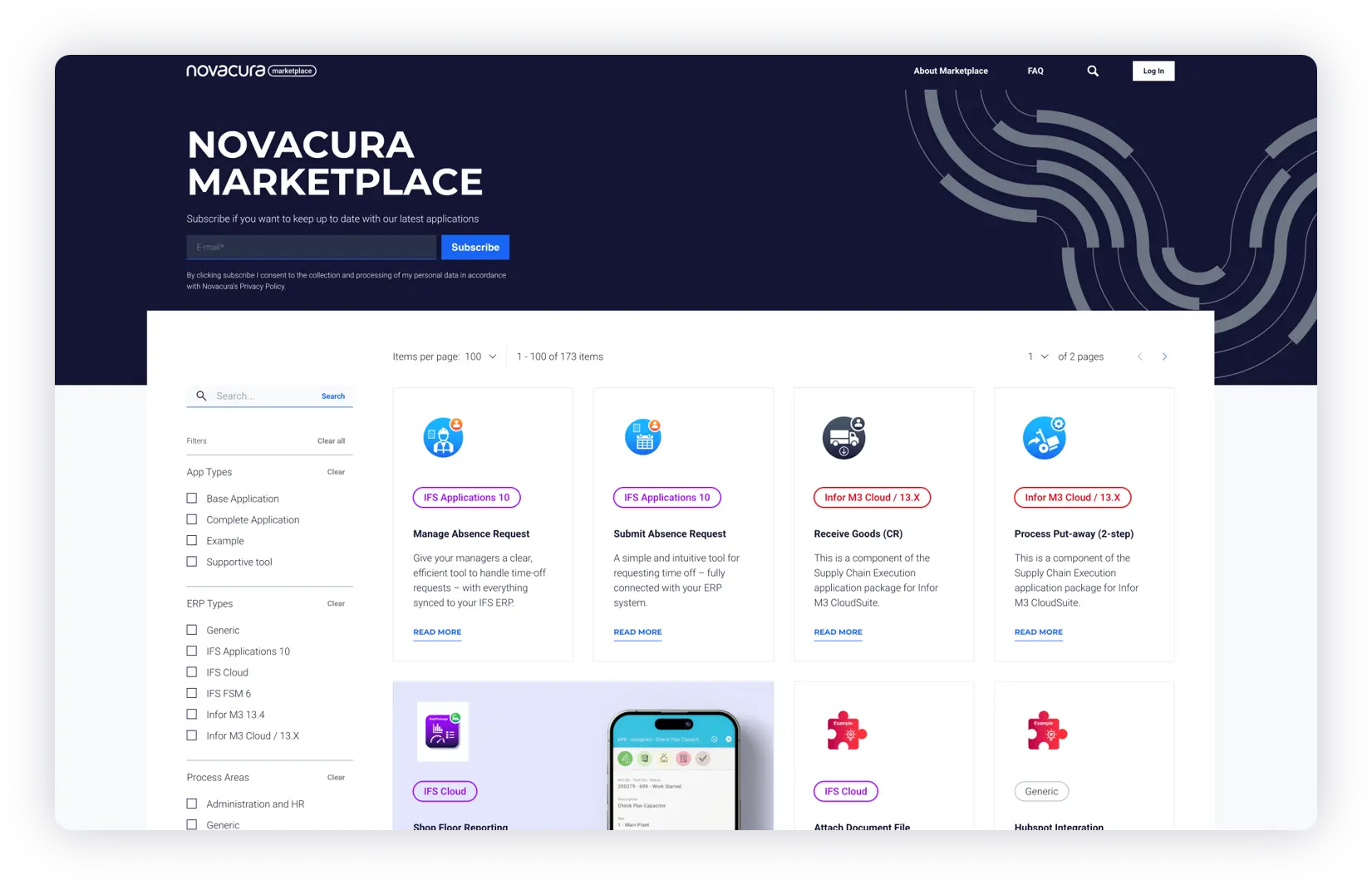
The Marketplace library currently holds 232 applications, ranging from small examples to major solutions. These are categorized to meet varying requirements:
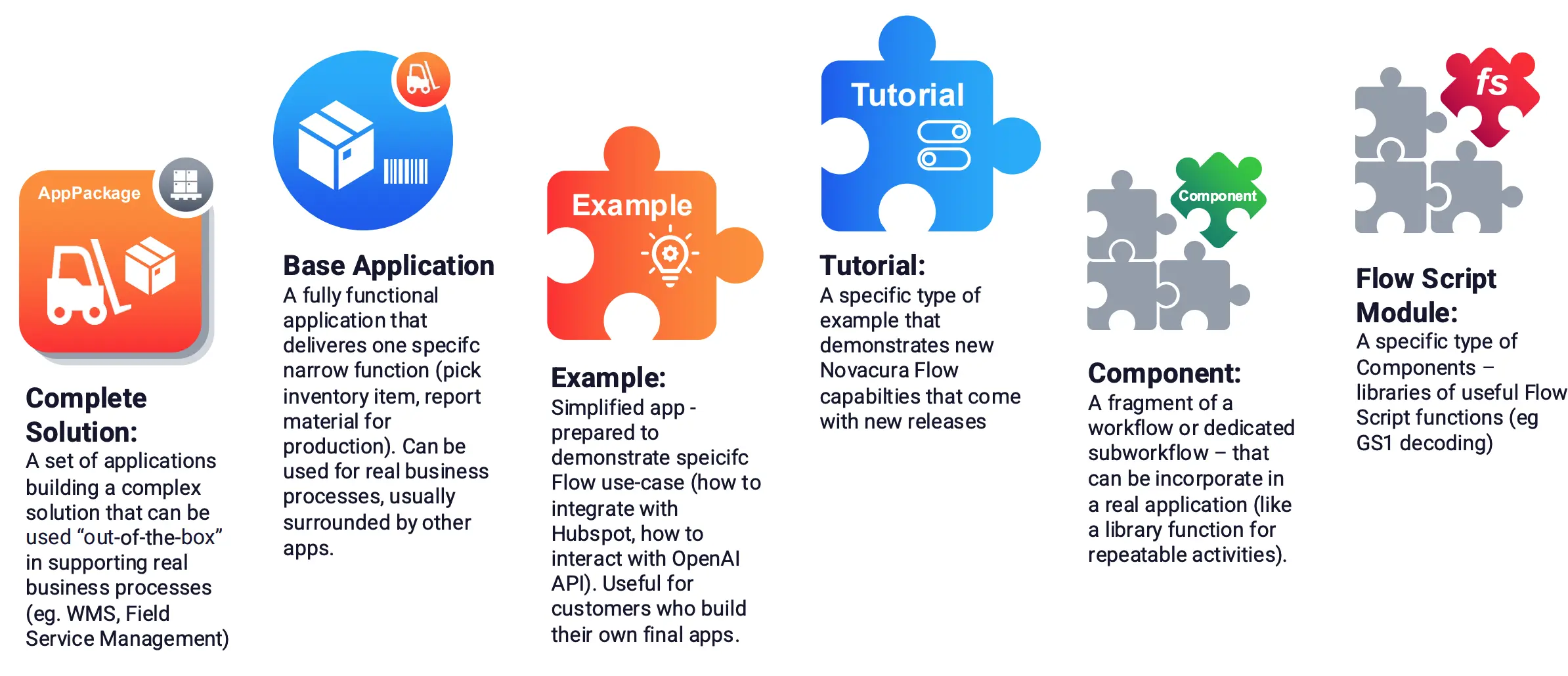
- Complete Solutions: Complex application sets that can be used “out-of-the-box” for real business processes, such as Warehouse Management Systems (WMS) or Field Service Management.
- Base Applications: Fully functional applications that deliver one specific, narrow function, such as picking an inventory item.
- Examples, Tutorials, and Components: Simplified apps or workflow fragments designed to demonstrate specific use-cases, new capabilities, or repeatable activities.
In 2025, we delivered 36 new applications (as of November). Our priorities for the year included ensuring the migration of all Flow Classic apps to Flow Connect , expanding Flow’s utility into administrative areas like Procurement and Master Data Management , and developing new applications powered by AI services.
For Novacura Marketplace: 2025 App Releases Summary, go to the link and download the free PDF.
Practical Examples and Tutorials for Immediate Utility
To support Novacura Flow developers and users, the Marketplace contains a substantial section dedicated to practical Examples and Tutorials. These resources focus on core functions and complex integrations.
For immediate utility, there are basic examples demonstrating repetitive operations, such as how to import a CSV file into Flow, convert it to a dataset, and display it in a grid, or how to export a Flow dataset to a CSV file. A dedicated Flow Script Module is also available as a component to decode long GS1 barcodes into separate fields for processing.
When it comes to integration, the HubSpot CRM Integration Example illustrates how to seamlessly connect HubSpot with an ERP system using Novacura Flow. This enables the automatic synchronization of new customer data from HubSpot to the ERP, eliminating manual data entry. Furthermore, we provide a set of examples that clarify how to correctly access documents and media files via the IFS API, covering both IFS Cloud and IFS Applications 10 environments. Tutorials, in particular, are designed to demonstrate the latest platform capabilities delivered in recent product releases.
Driving Efficiency with AI-Powered Apps
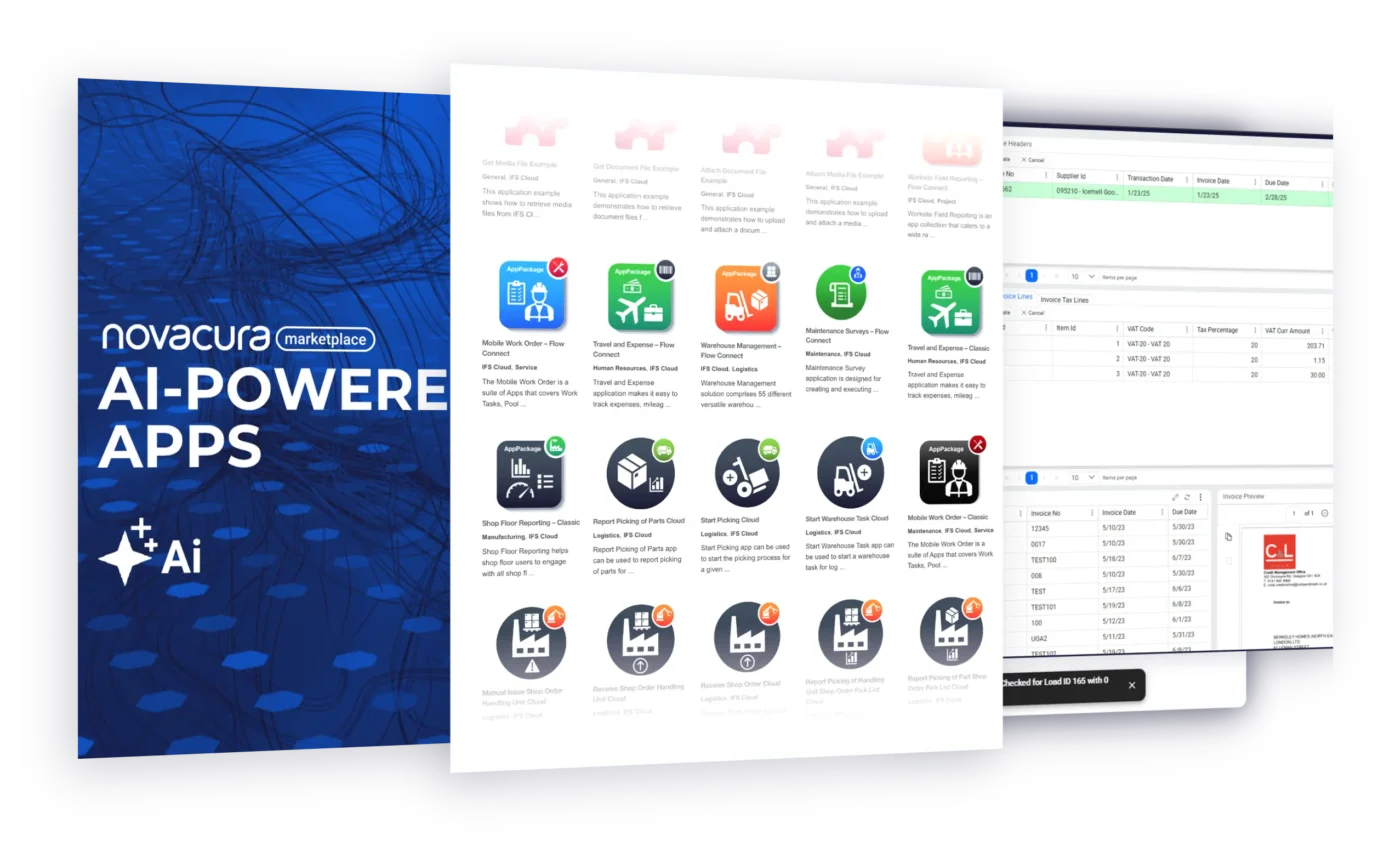
One of key areas of development has been AI-powered applications, driven by the goal of equipping Flow developers with the capabilities necessary to streamline daily work for end-users. We have developed examples that demonstrate basic AI interactions and practical use for data cleaning and manipulation.
For instance, the Convert Units Example utilizes the power of AI to normalize non-unified source data, such as converting a list of mixed length units into a single standard (meters). The Dataset Classification Example showcases how AI can automatically classify records by assigning appropriate dictionary values based on a list of samples.
Beyond basic data cleaning, AI is being leveraged to improve user interaction and efficiency:
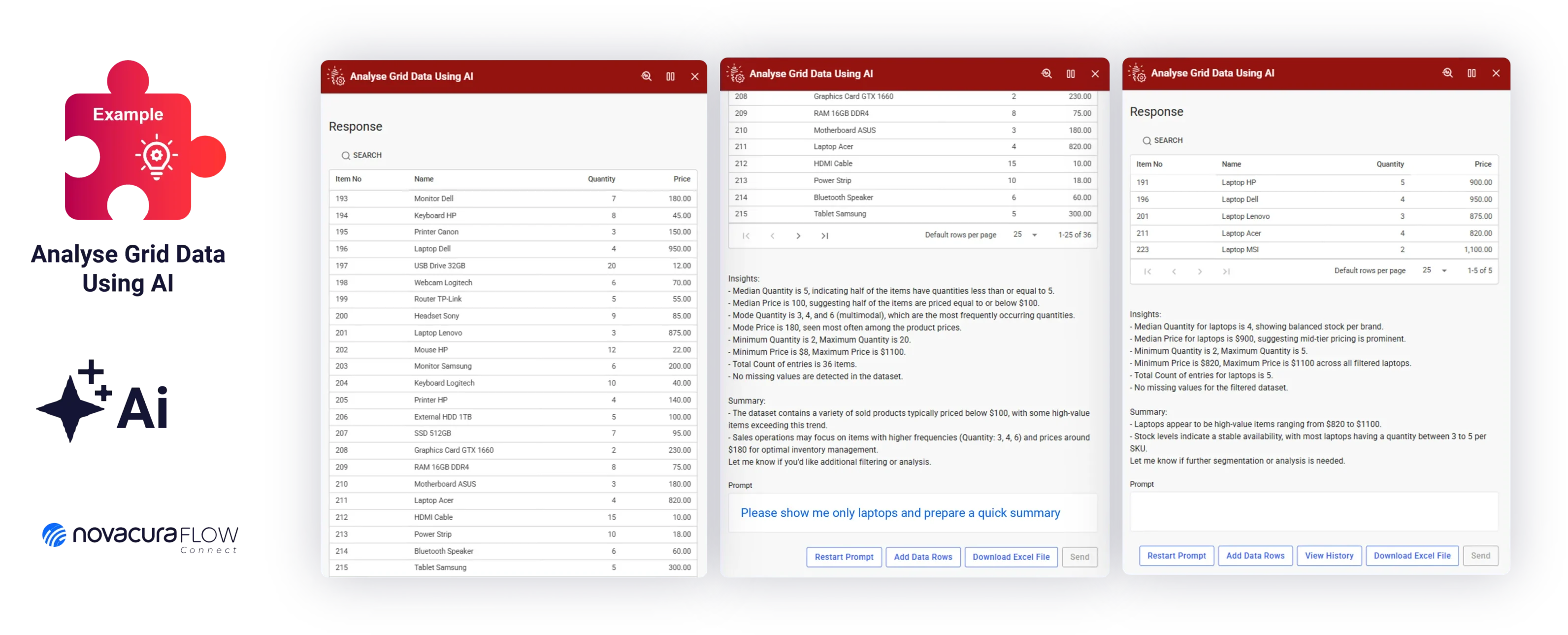
- Analyze Grid Data with AI: This application allows users to interact with and analyze Excel data within Novacura Flow using natural language processing. Users can upload a file, and then send prompts to request data filtering, row manipulation, or a data summary.
- Prefill Form with AI: This speeds up data entry by automatically fetching and populating form fields based on a single main input phrase, such as a company name or identifier.
- Free Text to Form with AI: This innovative example allows the user to simply describe their desired data configuration—for example, specifying dates with imprecise terms like “tomorrow” or selecting “the cheapest product in this category”—and the AI automatically translates this natural language input into the correct form field values.
Analyse Data grid with AI
Free Text to Form with AI
Looking Ahead: The New Marketplace Hub
To enhance the overall experience, a new Marketplace Hub is scheduled for launch in Q4. This new portal is designed with several improvements aimed at optimizing application access and management. Key features will include easier organization onboarding and user access management , better filtering of results based on Organization attributes like ERP and Flow Version , and integrated AI recommendations. Crucially, the “Get App” button will directly enable the application within the Flow Connect Organization , and flexibility will be added to distribute applications in specific “libraries” to offer more affordable pricing options.
Summary and Next Steps
The Novacura Marketplace is the central resource for accelerating your ERP modernization, offering a robust library of ready-made, customizable solutions that now deeply integrate technologies like AI to solve practical business problems. We are committed to constantly developing applications that provide demonstrable improvements in process efficiency and user interaction.
Explore the latest applications and components, and start building tailored solutions that directly address your organization’s challenges.
Visit the Novacura Marketplace today: https://marketplace.novacura.com/
Novacura Marketplace
Apps created in 2025 – Summary.
Novacura Marketplace offers ready-made ERP applications that you can use out of the box, customize, or combine to build your own solutions.
With over 230 apps for IFS and Infor M3 - from tutorials and basic tools to full solutions like WMS and WMO - we support all major process areas, including logistics, manufacturing, field service, sales, projects, and administration.
In 2025, we doubled our development pace and delivered 36 new apps, with a strong focus on AI to streamline interactions with Novacura Flow and ERP.
You can find the latest applications in the attached brochure.